> ## Documentation Index
> Fetch the complete documentation index at: https://university.triggr-app.com/llms.txt
> Use this file to discover all available pages before exploring further.

# Approve a request

> Approve or reject a request your IT provider has emailed you about, and correct its details first if you're allowed to.

When someone in your organisation asks for something that needs your sign-off, your IT provider emails you a link. Anyone with the link can answer, so don't forward it.

<Steps>
  <Step title="Open the email">
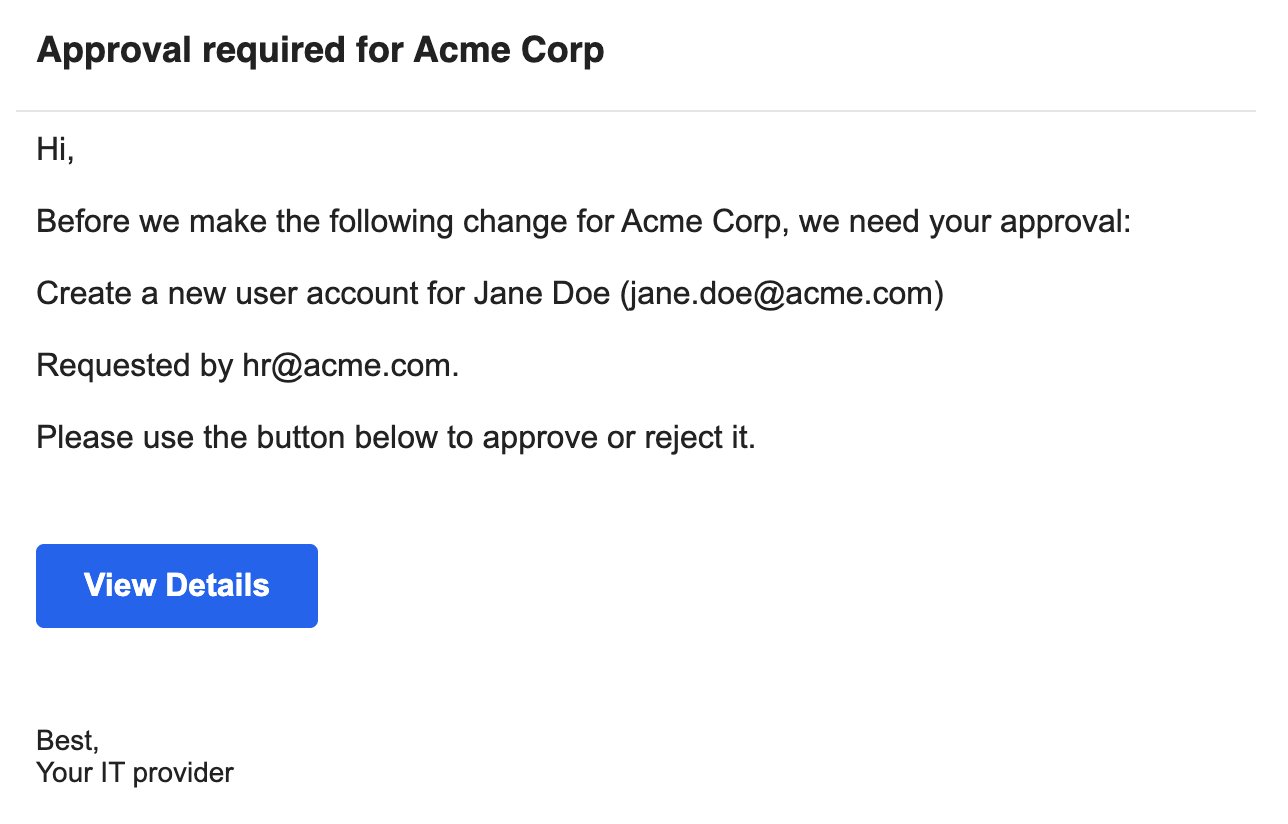
    Find the email headed Approval required for your organisation's name and click **View Details**.
    <Frame>
      <img src="https://mintcdn.com/triggr/nyuVXZ1rouDTTEvu/images/guides/approve-a-request/email.png?fit=max&auto=format&n=nyuVXZ1rouDTTEvu&q=85&s=b59a483b667f4ad90eb88af5abe47bbb" alt="An approval email titled Approval required for Acme Corp: Before we make the following change for Acme Corp, we need your approval: Create a new user account for Jane Doe (jane.doe@acme.com). Requested by hr@acme.com. A blue View Details button, signed Your IT provider." width="1288" height="824" data-path="images/guides/approve-a-request/email.png" />
    </Frame>
  </Step>

  <Step title="Check the request">
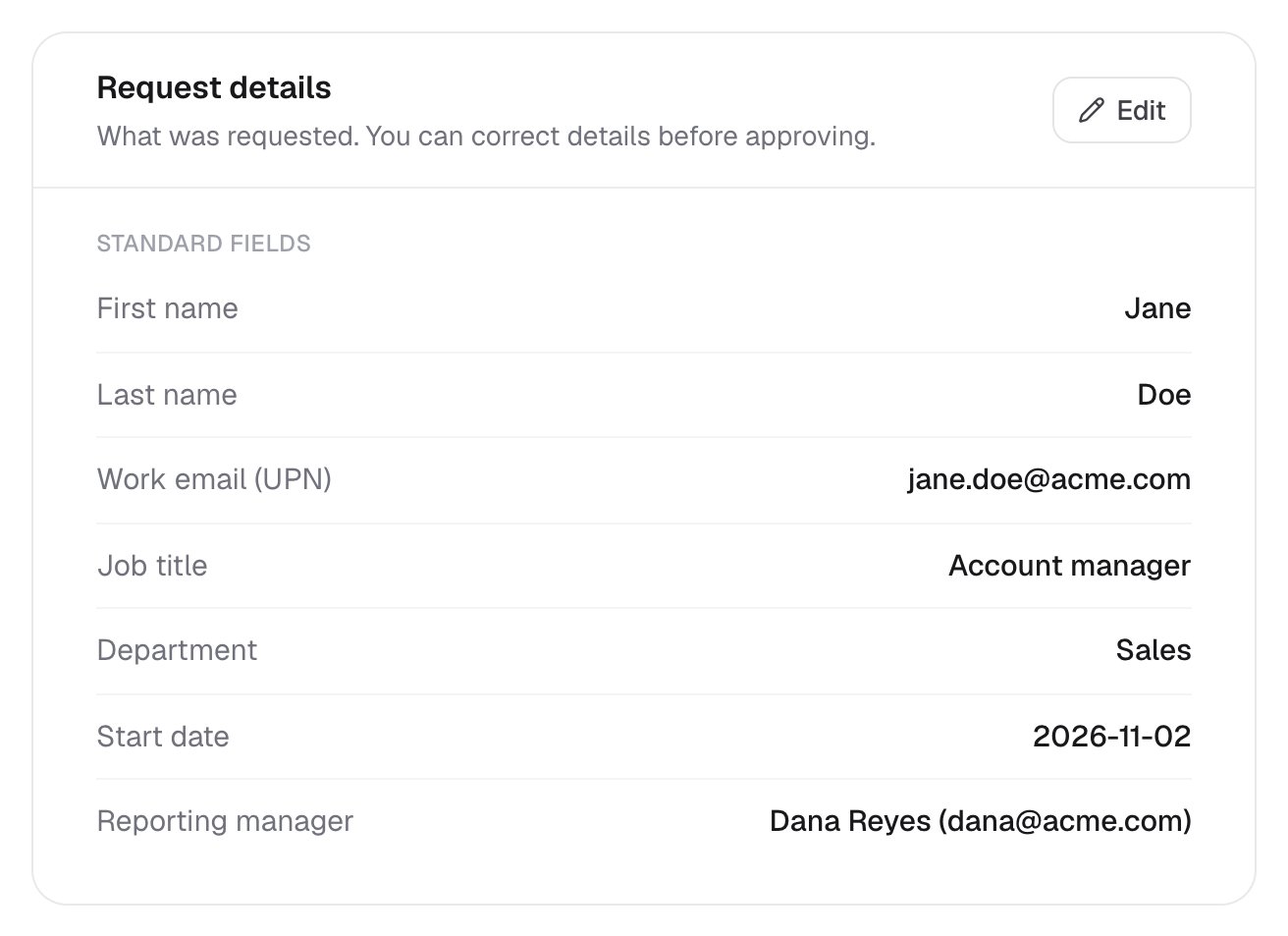
    Request details shows what was asked for. If you see a form instead, skip to [If the link opens a form](#if-the-link-opens-a-form).
    <Frame>
      <img src="https://mintcdn.com/triggr/nyuVXZ1rouDTTEvu/images/guides/approve-a-request/core-approval.png?fit=max&auto=format&n=nyuVXZ1rouDTTEvu&q=85&s=d1d94fa82ac2c6736262c5d8b8b7bf8d" alt="The Request details card, What was requested. You can correct details before approving, listing First name Jane, Last name Doe, Work email jane.doe@acme.com, Job title Account manager, Department Sales, Start date 2026-11-02 and Reporting manager Dana Reyes (dana@acme.com), with an Edit button." width="1312" height="953" data-path="images/guides/approve-a-request/core-approval.png" />
    </Frame>
  </Step>

  <Step title="Correct the details (optional)">
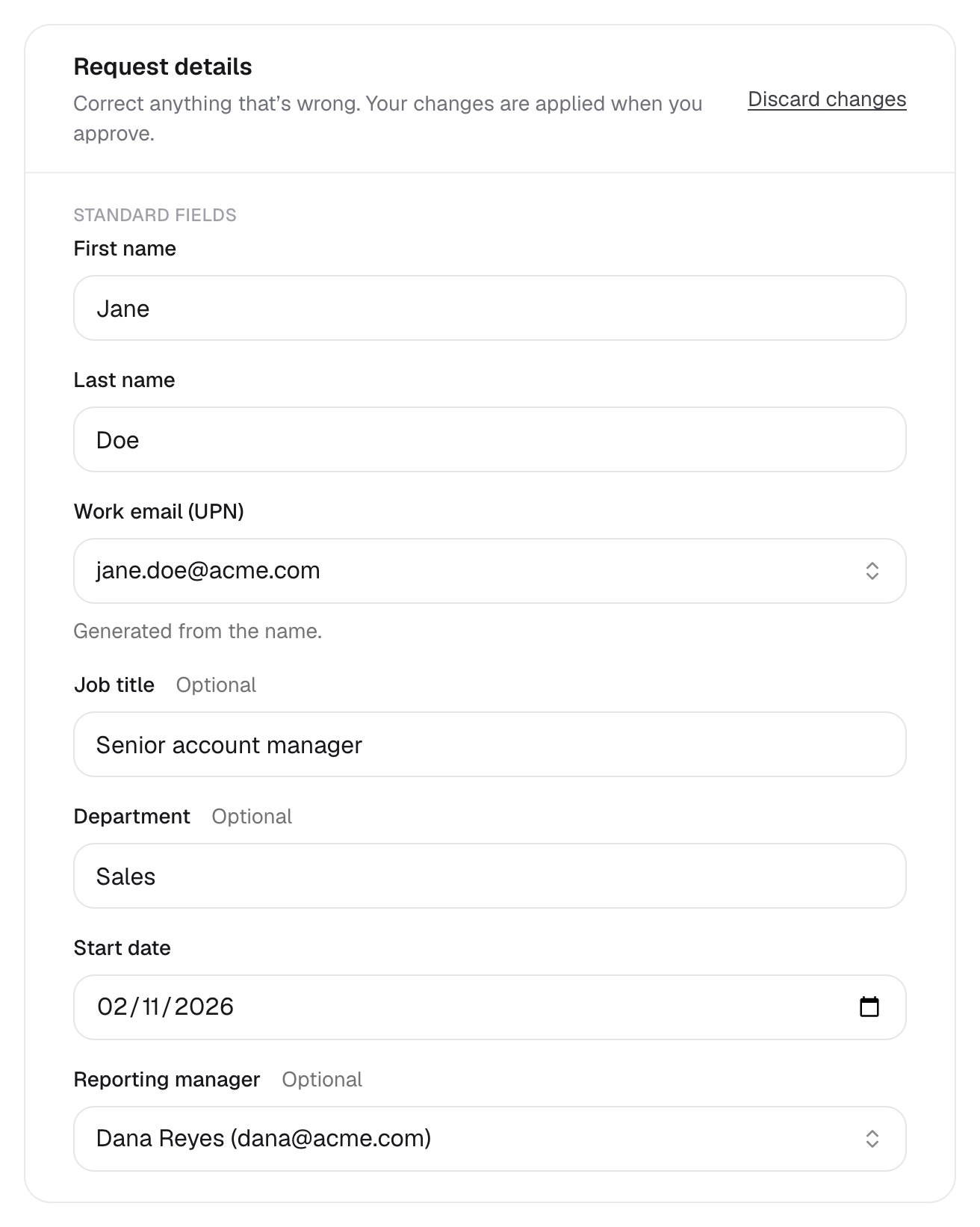
    If you see an Edit button, click it and fix anything that's wrong. If you correct a name, the work email changes to match; pick one of the suggested addresses.
    <Frame>
      <img src="https://mintcdn.com/triggr/nyuVXZ1rouDTTEvu/images/guides/approve-a-request/core-edit-details.png?fit=max&auto=format&n=nyuVXZ1rouDTTEvu&q=85&s=58e0def8f6e4e04a09ea007bb6c62433" alt="Request details in edit mode: Correct anything that's wrong. Your changes are applied when you approve, a Discard changes link, and fields for First name, Last name, Work email (UPN) generated from the name, Job title changed to Senior account manager, Department, Start date and Reporting manager." width="1312" height="1642" data-path="images/guides/approve-a-request/core-edit-details.png" />
    </Frame>

    Your changes only count if you approve. Discard changes puts the details back as they were.
  </Step>

  <Step title="Approve or reject">
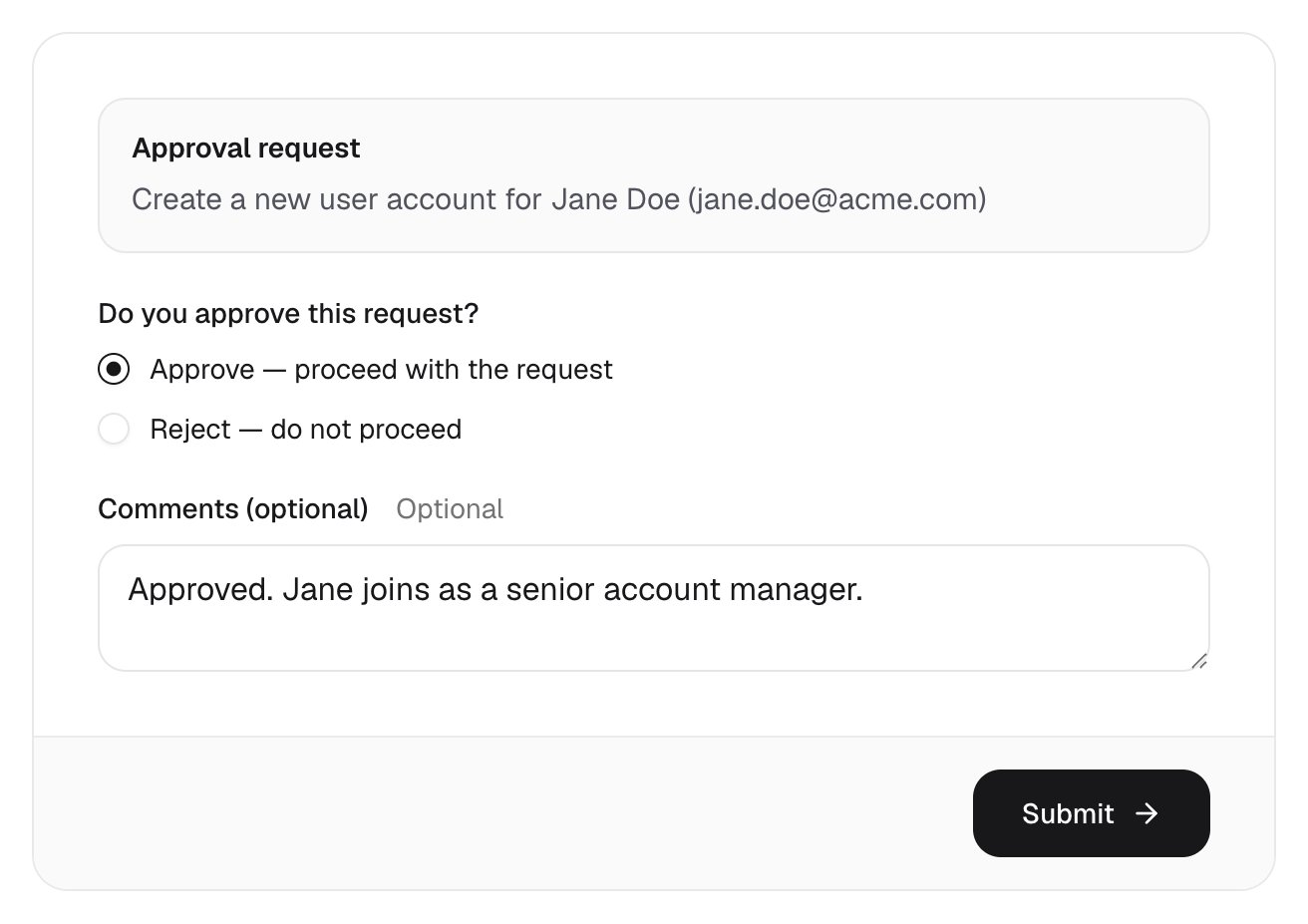
    Choose Approve or Reject, add a comment if you like, then click **Submit**.
    <Frame>
      <img src="https://mintcdn.com/triggr/nyuVXZ1rouDTTEvu/images/guides/approve-a-request/core-decision.png?fit=max&auto=format&n=nyuVXZ1rouDTTEvu&q=85&s=94f8905e5f237282d314f3209108389f" alt="The decision card: Approval request Create a new user account for Jane Doe (jane.doe@acme.com), Do you approve this request? with Approve — proceed with the request selected, a comment, and a Submit button." width="1312" height="927" data-path="images/guides/approve-a-request/core-decision.png" />
    </Frame>
  </Step>

  <Step title="You're done">
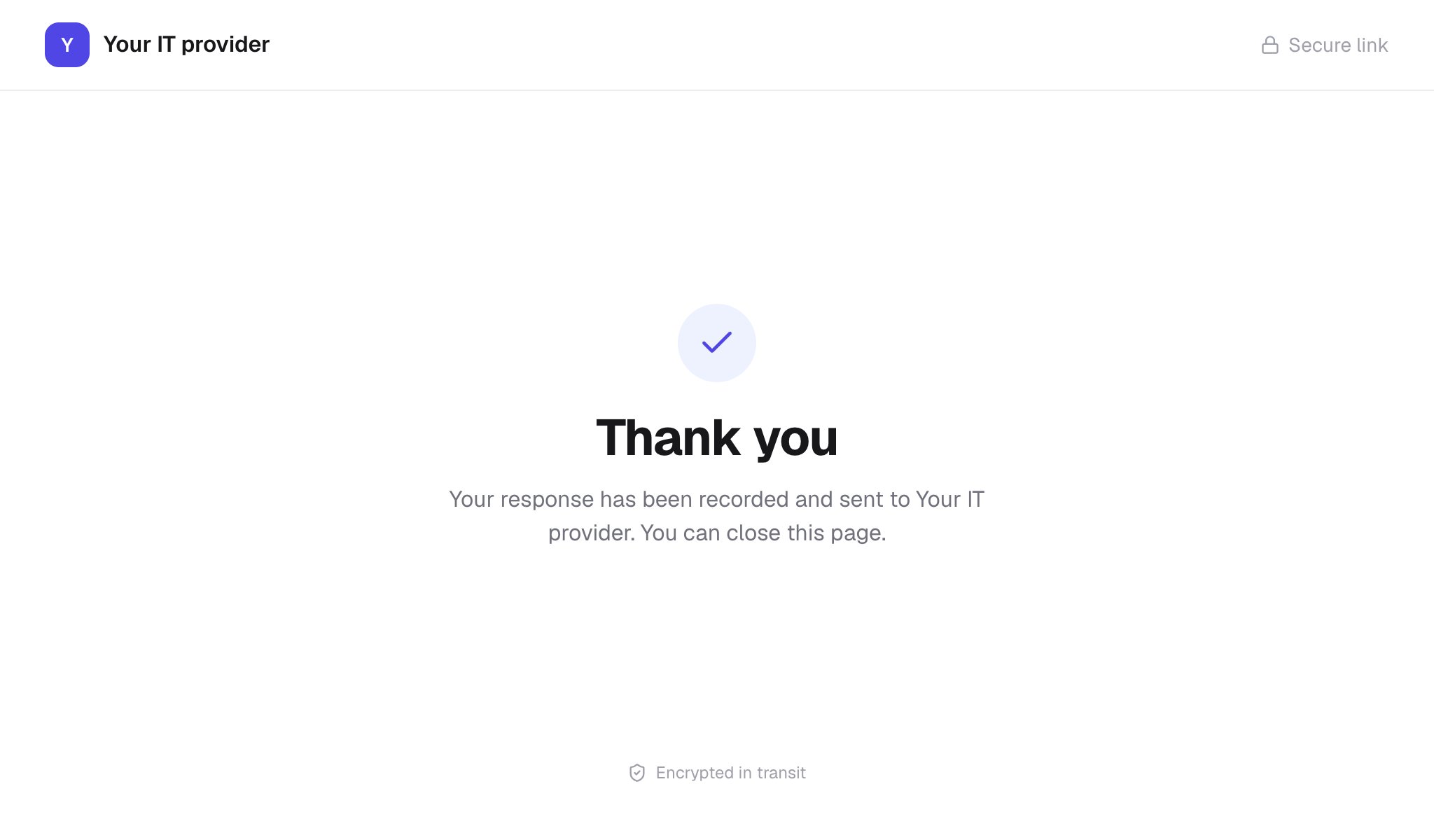
    Thank you means your answer has reached your IT provider. If you rejected it, nothing changes, including any corrections you made.
    <Frame>
      <img src="https://mintcdn.com/triggr/nyuVXZ1rouDTTEvu/images/guides/approve-a-request/core-thank-you.png?fit=max&auto=format&n=nyuVXZ1rouDTTEvu&q=85&s=eba57d695080e9368af7ed9892d656a9" alt="The Thank you page headed Your IT provider: Your response has been recorded and sent to Your IT provider. You can close this page." width="2048" height="1200" data-path="images/guides/approve-a-request/core-thank-you.png" />
    </Frame>
  </Step>
</Steps>

## If the link opens a form

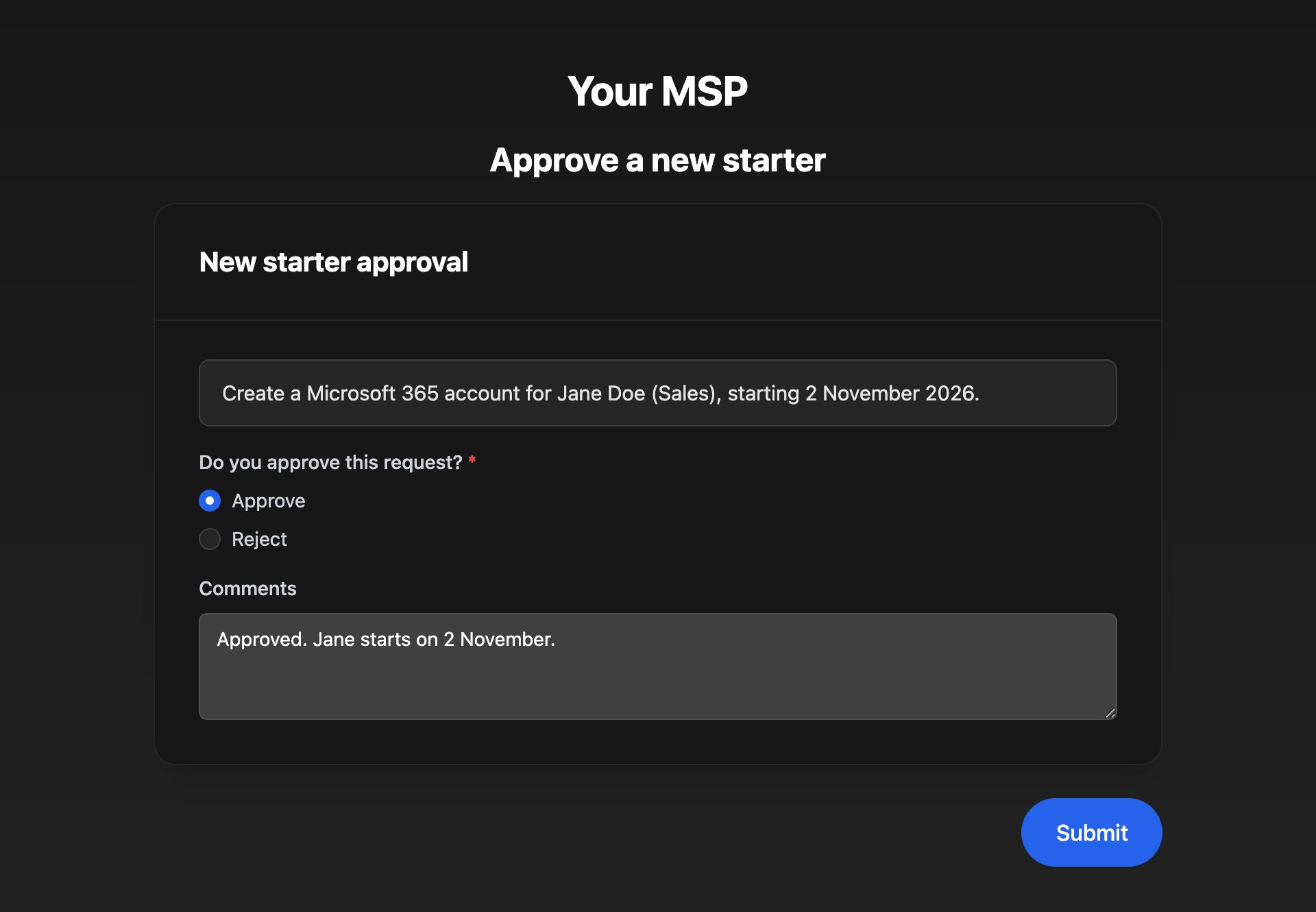
Some IT providers send a form instead. Answer it and click Submit; Form Submitted Successfully! means they have your answer. If it asks you to sign in, see [Sign in](/guides/sign-in).
<Frame>
  <img src="https://mintcdn.com/triggr/nyuVXZ1rouDTTEvu/images/guides/approve-a-request/studio-approval-form.png?fit=max&auto=format&n=nyuVXZ1rouDTTEvu&q=85&s=1e27f65bdebd5686063eeddb05fe7489" alt="A dark form headed Approve a new starter, with the request summary, Do you approve this request? set to Approve, a comment, and a Submit button." width="1920" height="1330" data-path="images/guides/approve-a-request/studio-approval-form.png" />
</Frame>

## Troubleshooting

<AccordionGroup>
  <Accordion title="“This link isn't available”">
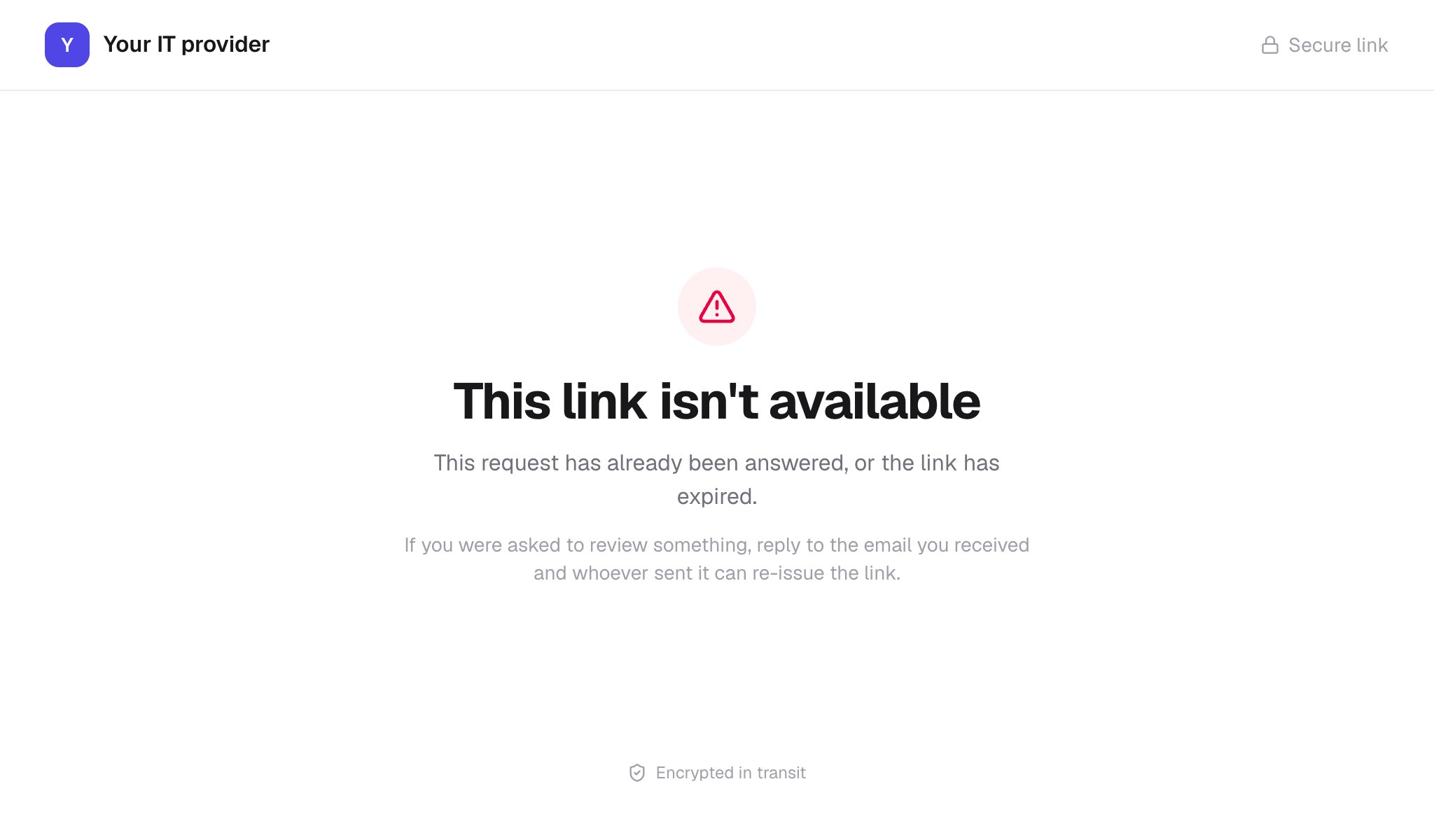
    The request has already been answered. If you still need to answer, reply to the email and ask for a new link.
    <Frame>
      <img src="https://mintcdn.com/triggr/nyuVXZ1rouDTTEvu/images/guides/approve-a-request/core-link-unavailable.png?fit=max&auto=format&n=nyuVXZ1rouDTTEvu&q=85&s=67ca673434b51d10153562a4af69aac6" alt="The This link isn't available page headed Your IT provider: This request has already been answered, or the link has expired. If you were asked to review something, reply to the email you received and whoever sent it can re-issue the link." width="2048" height="1200" data-path="images/guides/approve-a-request/core-link-unavailable.png" />
    </Frame>
  </Accordion>

  <Accordion title="“Already completed” or “Form has already been submitted”">
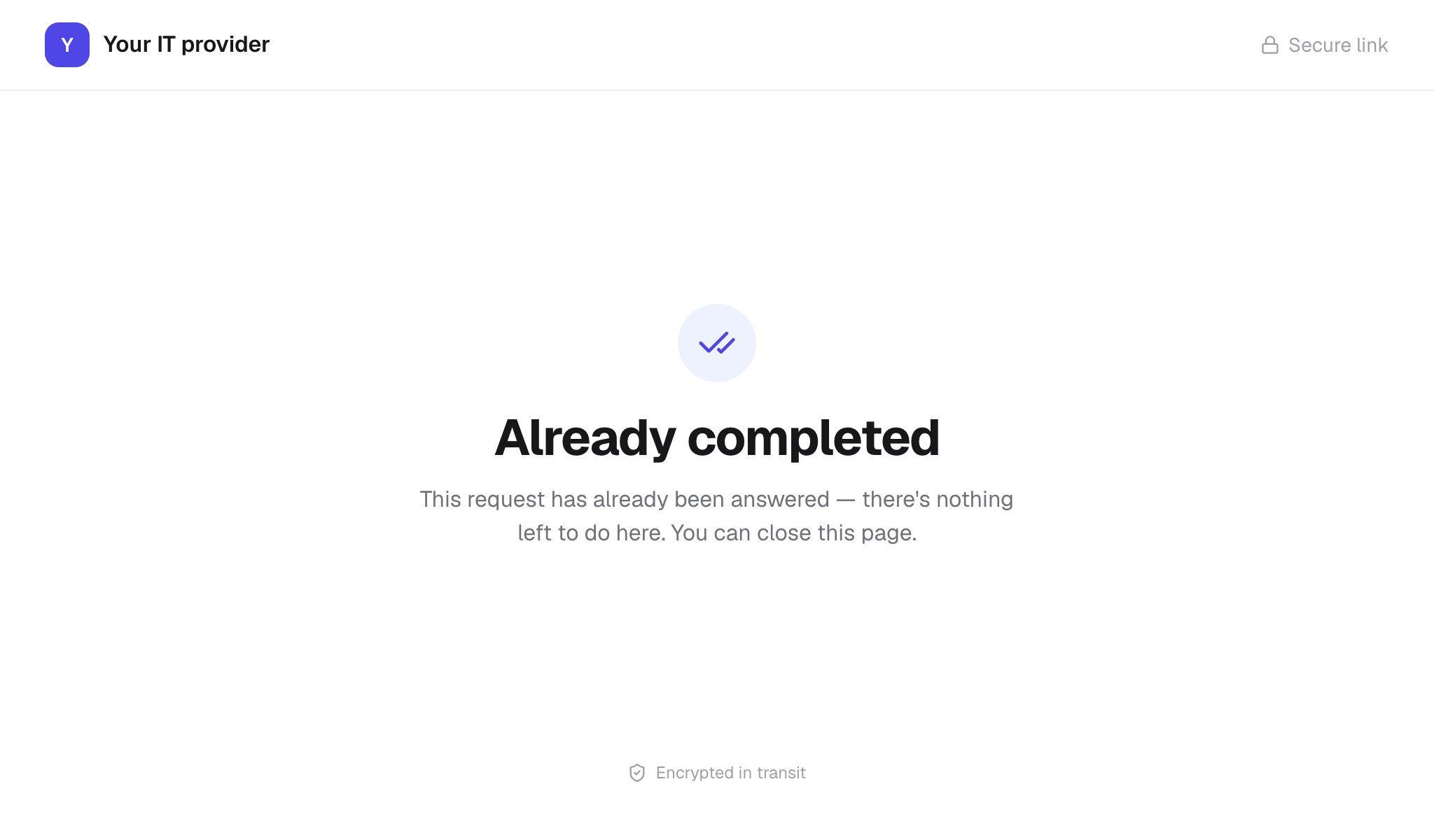
    Someone has already answered this request. There's nothing more to do.
    <Frame>
      <img src="https://mintcdn.com/triggr/nyuVXZ1rouDTTEvu/images/guides/approve-a-request/core-already-completed.png?fit=max&auto=format&n=nyuVXZ1rouDTTEvu&q=85&s=eb1e956666e2cad3695e3205ffeb8cab" alt="The Already completed page headed Your IT provider: This request has already been answered, there's nothing left to do here. You can close this page." width="2048" height="1200" data-path="images/guides/approve-a-request/core-already-completed.png" />
    </Frame>
  </Accordion>

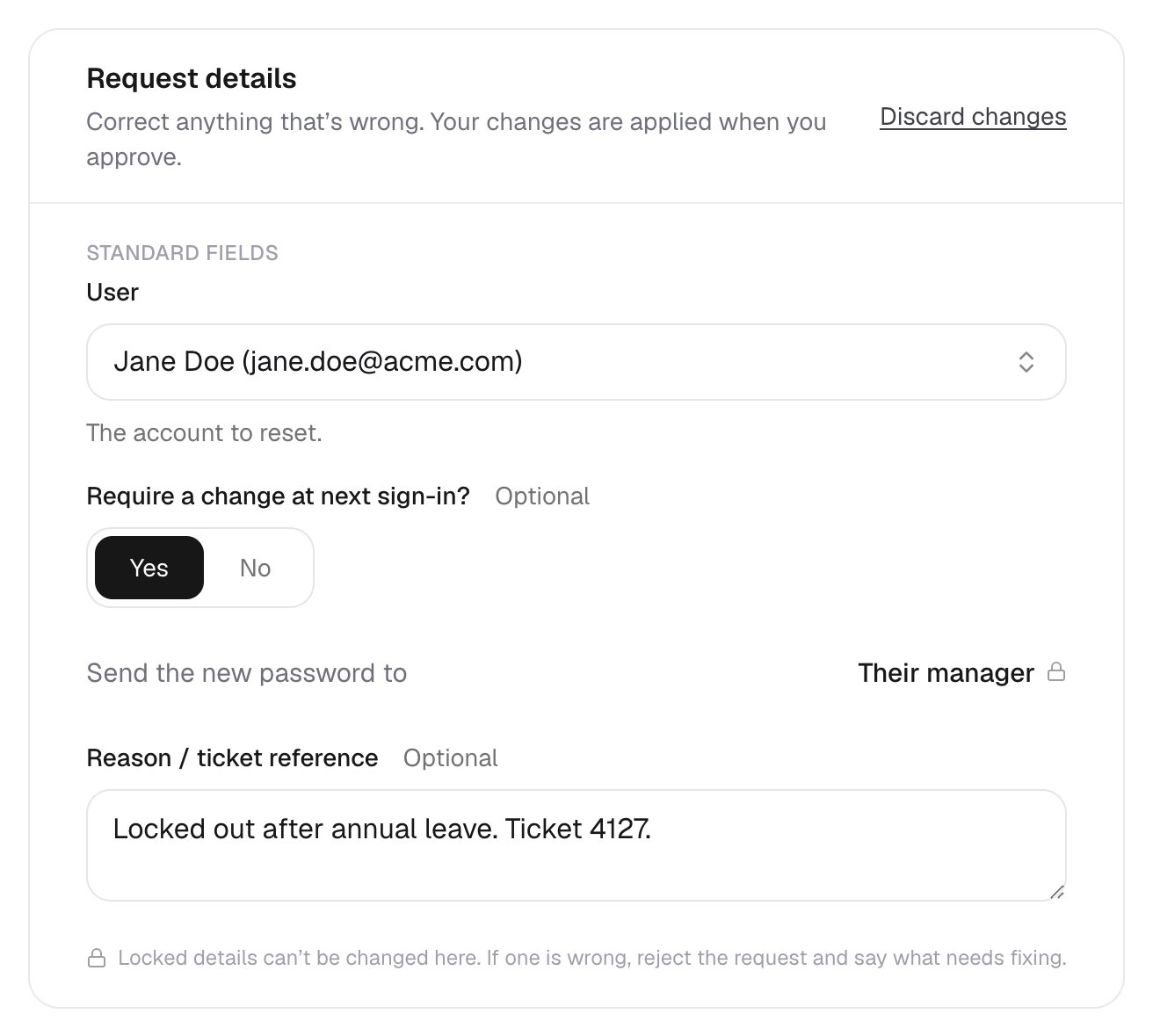
  <Accordion title="A detail has a padlock but it's wrong">
    Locked details can't be changed here. Choose Reject — do not proceed and say what needs fixing in the comment, so someone can submit a corrected request.
    <Frame>
      <img src="https://mintcdn.com/triggr/nyuVXZ1rouDTTEvu/images/guides/approve-a-request/core-locked-detail.png?fit=max&auto=format&n=nyuVXZ1rouDTTEvu&q=85&s=02a3ccdec0f9911d437dfee0a285d4d5" alt="Request details in edit mode for a password reset: User, Require a change at next sign-in? and Reason / ticket reference can be changed, Send the new password to Their manager has a padlock, and a note says Locked details can't be changed here. If one is wrong, reject the request and say what needs fixing." width="1312" height="1179" data-path="images/guides/approve-a-request/core-locked-detail.png" />
    </Frame>
  </Accordion>

  <Accordion title="“Work email: pick one of the suggested addresses for this name”">
    After correcting a name, open the work email list and choose one of its suggestions.
  </Accordion>

  <Accordion title="“These details changed after you opened this page…”">
    Someone else changed the request while you had it open. Check the latest details (reload the page if it asks you to), make your corrections again and submit.
  </Accordion>

  <Accordion title="“Please let them know”">
    Your answer was saved but didn't reach the request. Reply to the email and tell your IT provider what you decided.
  </Accordion>

  <Accordion title="I didn't get the email">
    Check your junk folder, then ask your IT provider to confirm the email address they have for you.
  </Accordion>
</AccordionGroup>


This documentation is built and hosted on [Mintlify](https://mintlify.com), a developer documentation platform.