> ## Documentation Index
> Fetch the complete documentation index at: https://university.triggr-app.com/llms.txt
> Use this file to discover all available pages before exploring further.
# Use an app from your IT provider
> Open an app link from your IT provider, sign in and use it.
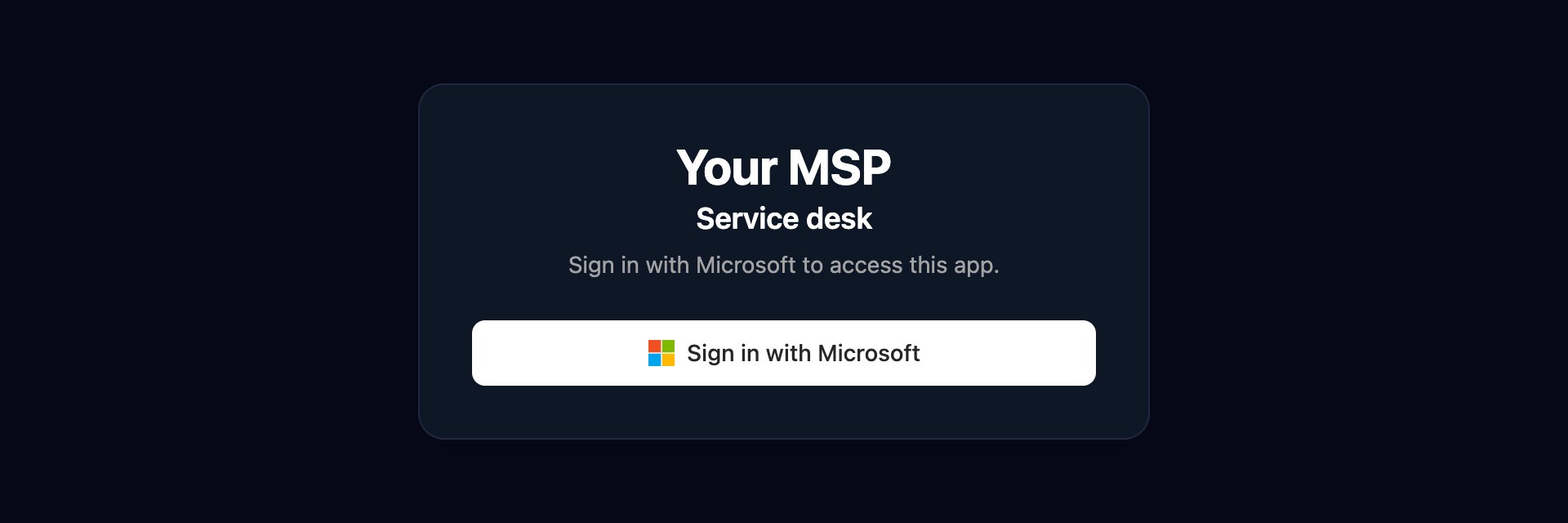
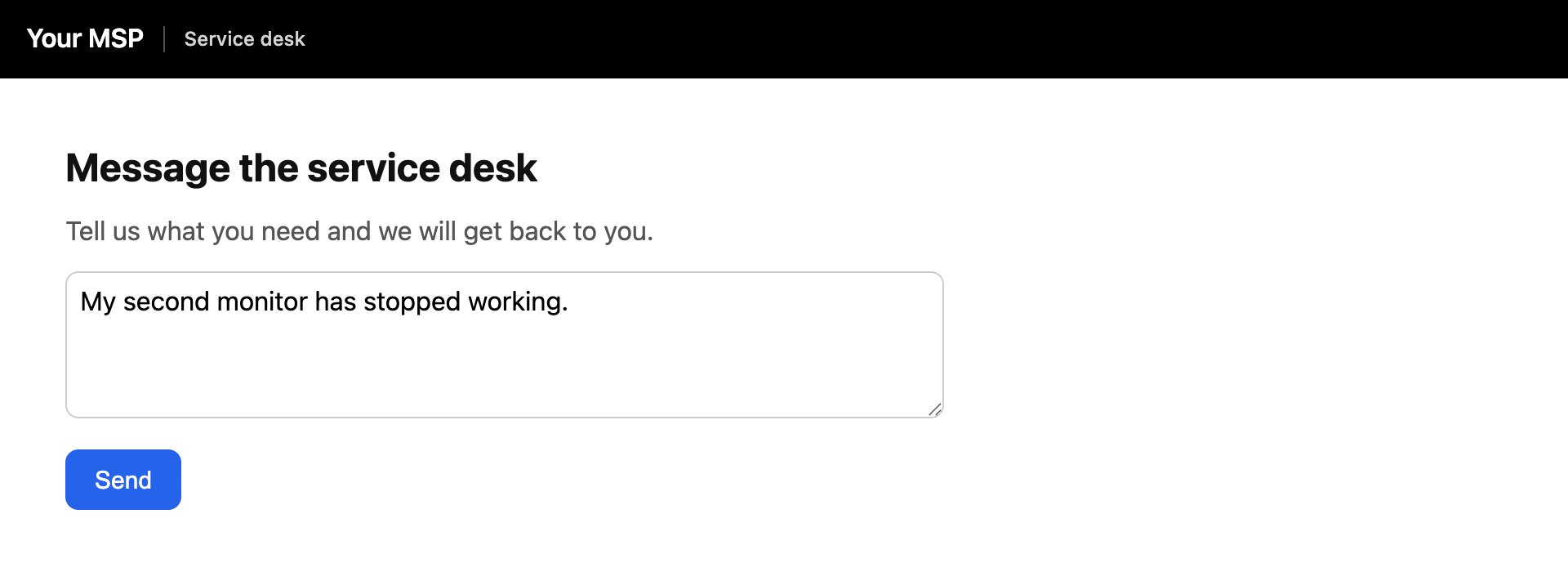
Some IT providers give you a small web app, such as a page for messaging their service desk.
Click **Sign in with Microsoft** or **Sign in with Google** and choose your work account. If the app asks for a password, enter the one your IT provider gave you and click Continue.
 The app opens under your IT provider's name. If it has several pages, switch between them in the bar at the top.
 ## Troubleshooting
You signed in with an account your IT provider doesn't recognise, or the app is only open to certain people. Try your work account, then contact your IT provider.
Check the password with your IT provider and try again.
The link may be out of date. Ask your IT provider for the current one.
For other sign-in messages, see [Sign in](/guides/sign-in#troubleshooting).
This documentation is built and hosted on [Mintlify](https://mintlify.com), a developer documentation platform.
## Troubleshooting
You signed in with an account your IT provider doesn't recognise, or the app is only open to certain people. Try your work account, then contact your IT provider.
Check the password with your IT provider and try again.
The link may be out of date. Ask your IT provider for the current one.
For other sign-in messages, see [Sign in](/guides/sign-in#troubleshooting).
This documentation is built and hosted on [Mintlify](https://mintlify.com), a developer documentation platform.