

Triggr Core automates your service desk’s Level 1 Microsoft 365 work: onboarding, offboarding, password resets, licences, mailboxes and groups. Client staff can submit requests themselves, under your branding.
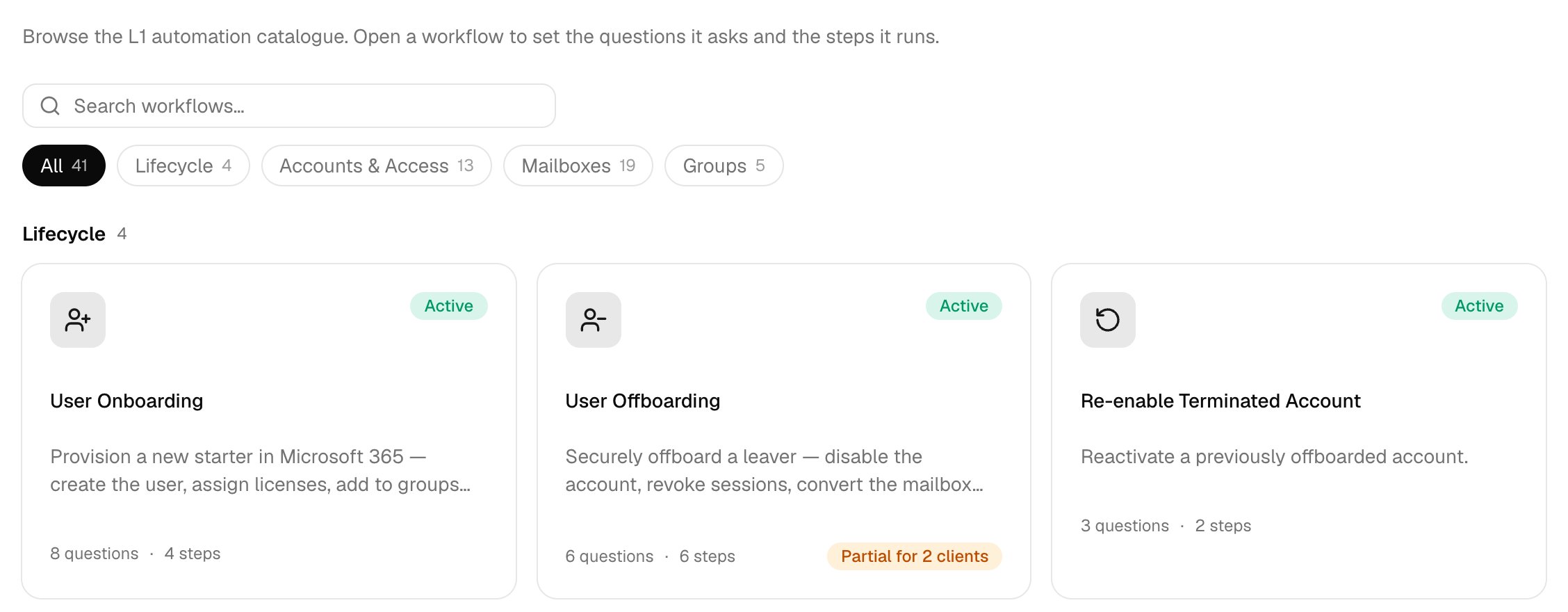
The Config page with a Search workflows box, filters for All, Lifecycle, Accounts & Access, Mailboxes and Groups, and Active cards for User Onboarding, User Offboarding and Re-enable Terminated Account.

The workflow catalogue, under Config.

How a request runs

  1. A technician uses Run a workflow, or client staff sign in to your public forms with their Microsoft account.
  2. Core opens a ticket in your PSA, if ticketing is on.
  3. Your team or the client approves it, if needed.
  4. Core does the work in the client’s tenant, and in synced on-premises Active Directory through the desktop agent.
  5. Every step is recorded in Executions.
Set up each workflow once, then override it for any client that needs something different. The workflow catalogue lists them all; for anything beyond it, use Triggr Studio. Next: Set up Triggr Core.