

Welcome to Triggr Core: the setup checklist and where everything is (1:29).
Sign in
Sign in at core.triggr-app.com with Continue with Microsoft or your email address. You need an invitation from your Triggr account manager or a teammate. With more than one organisation, pick yours under Choose your workspace; switch later from the bottom of the sidebar.Work through the checklist
On Home, click Set up on each step in order. Core ticks a step off when it’s done and its button changes to Review.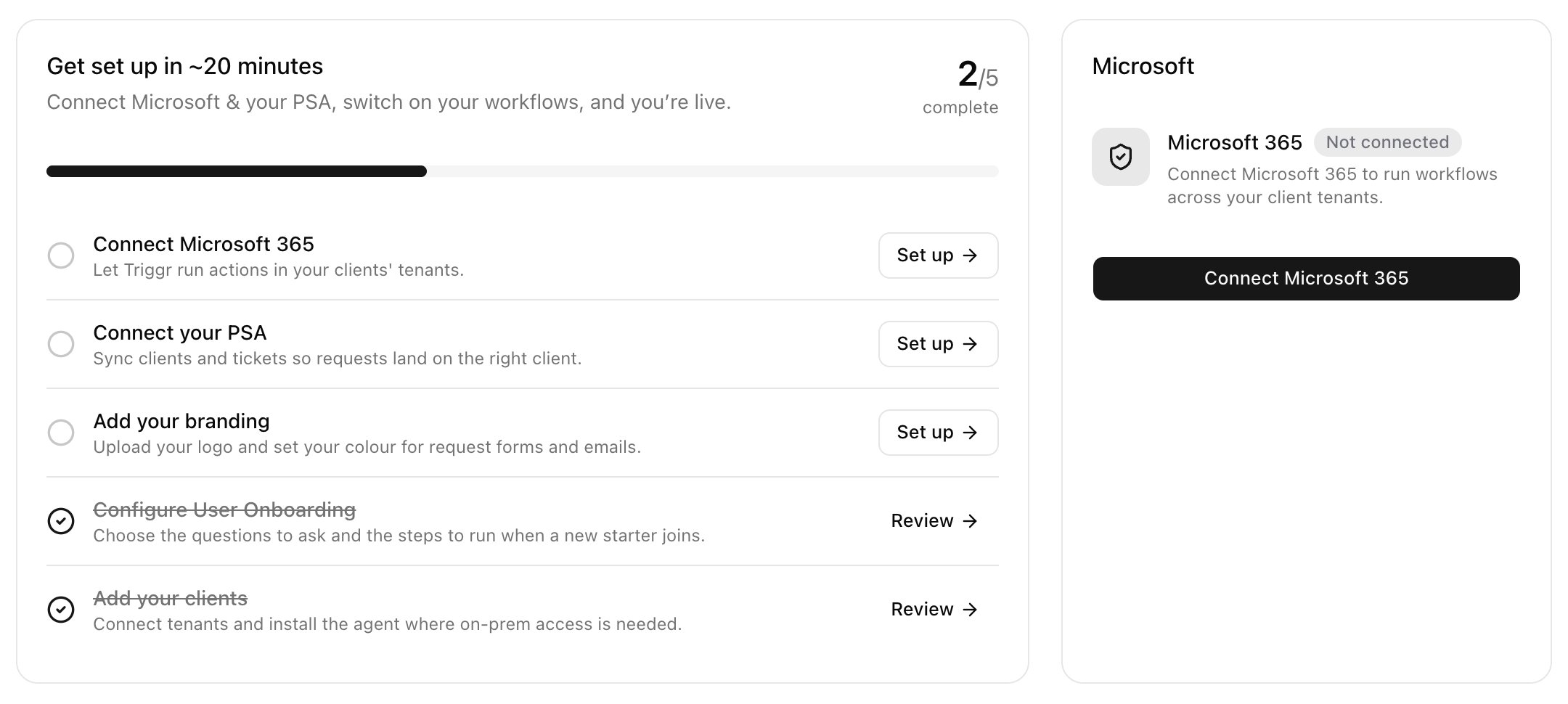
Then share your forms and invite your team.
Troubleshooting
“Triggr Core isn't enabled for …”
“Triggr Core isn't enabled for …”
You’re in a workspace that doesn’t have Core. Click Choose another workspace and pick your organisation; if it isn’t listed, ask your account manager.