

Conditional fields: Laptop model shown only when Needs a laptop is ticked, and Team only once a department is chosen (1:23).
Show a field when a box is ticked
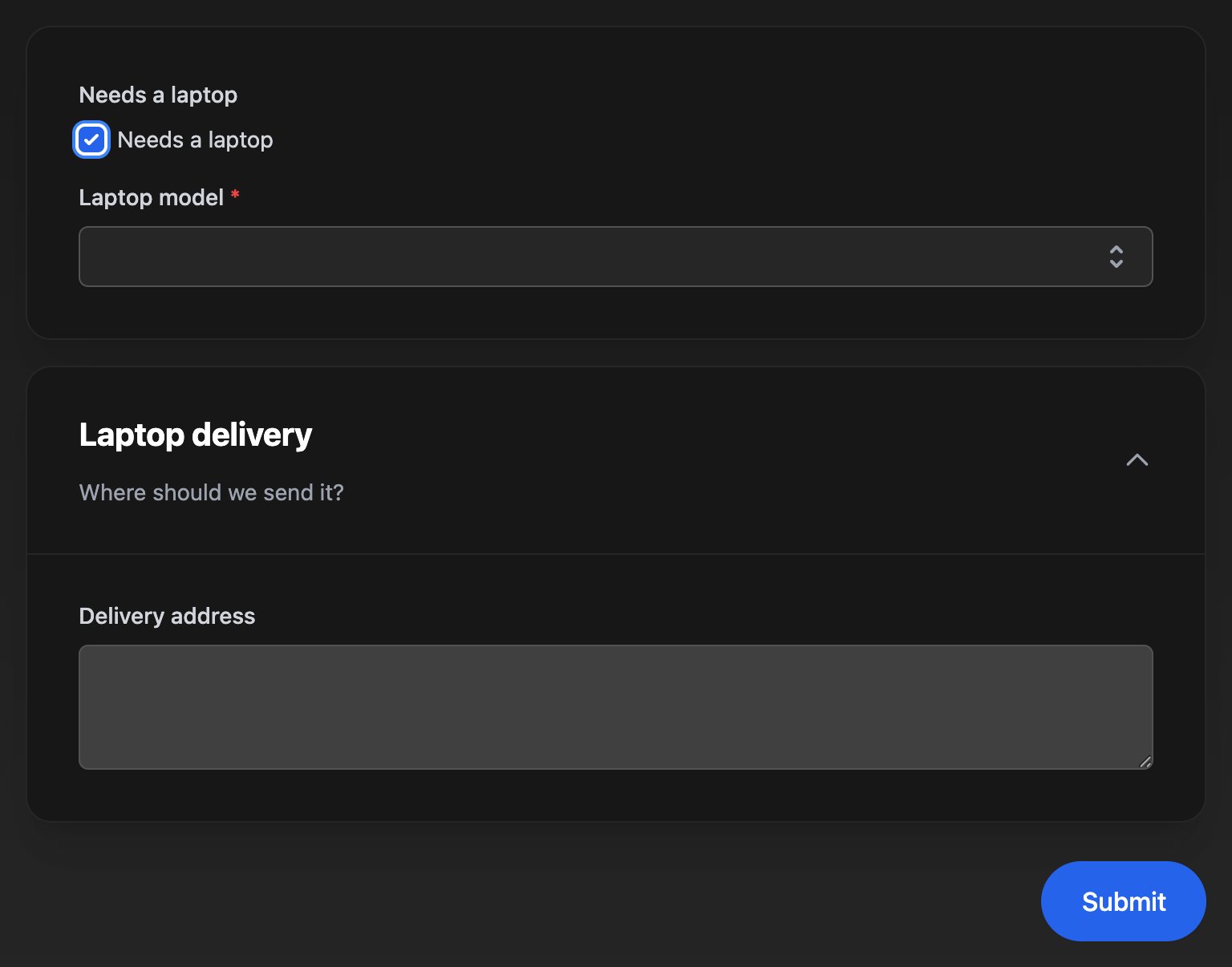
Laptop model appears only when Needs a laptop is ticked.1
Add the fields
Add a Checkbox with Field ID
needsLaptop and Label Needs a laptop, then a Select with Field ID laptopModel, Label Laptop model and Required field ticked.2
Add the condition
Click Laptop model. Under Conditional Rendering, click Add Show Condition, choose Form Field, Needs a laptop and Equals, type 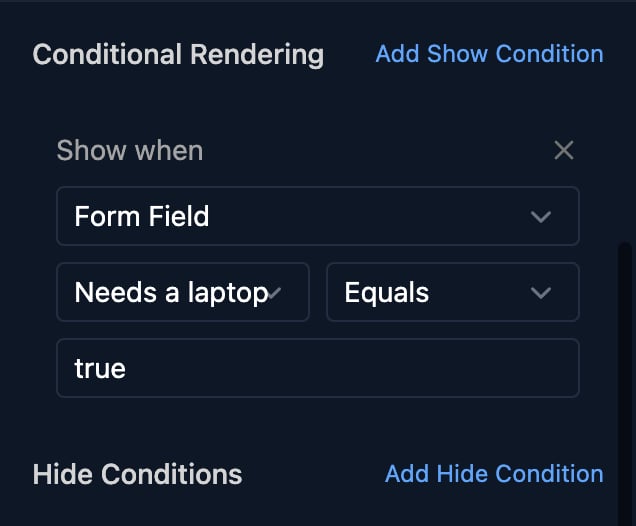
true and save.3
Try it
Click Preview. Laptop model is hidden until the box is ticked.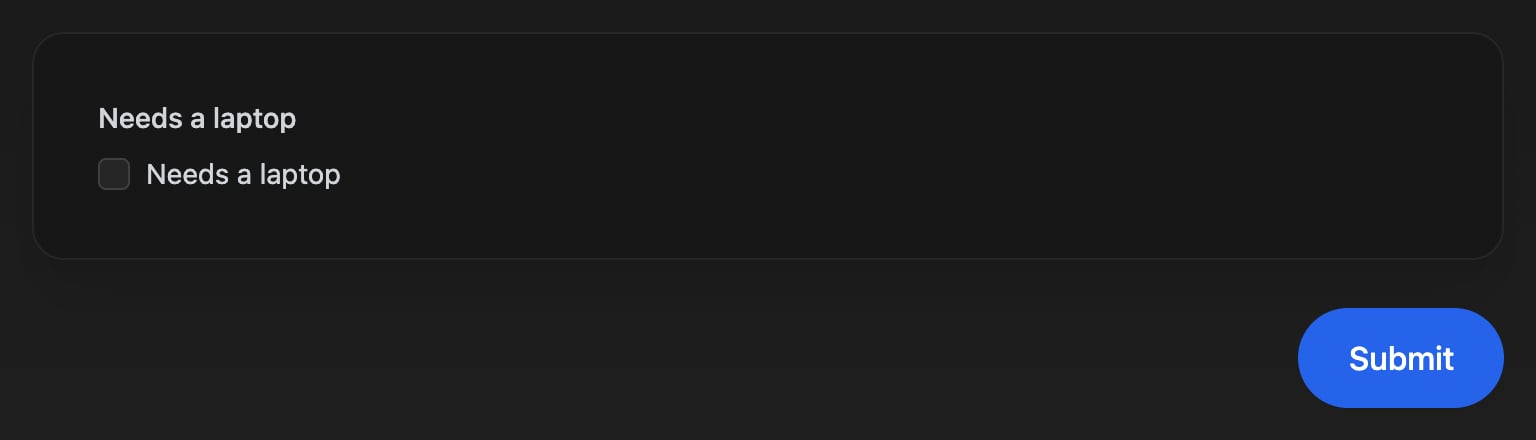
Show a whole section
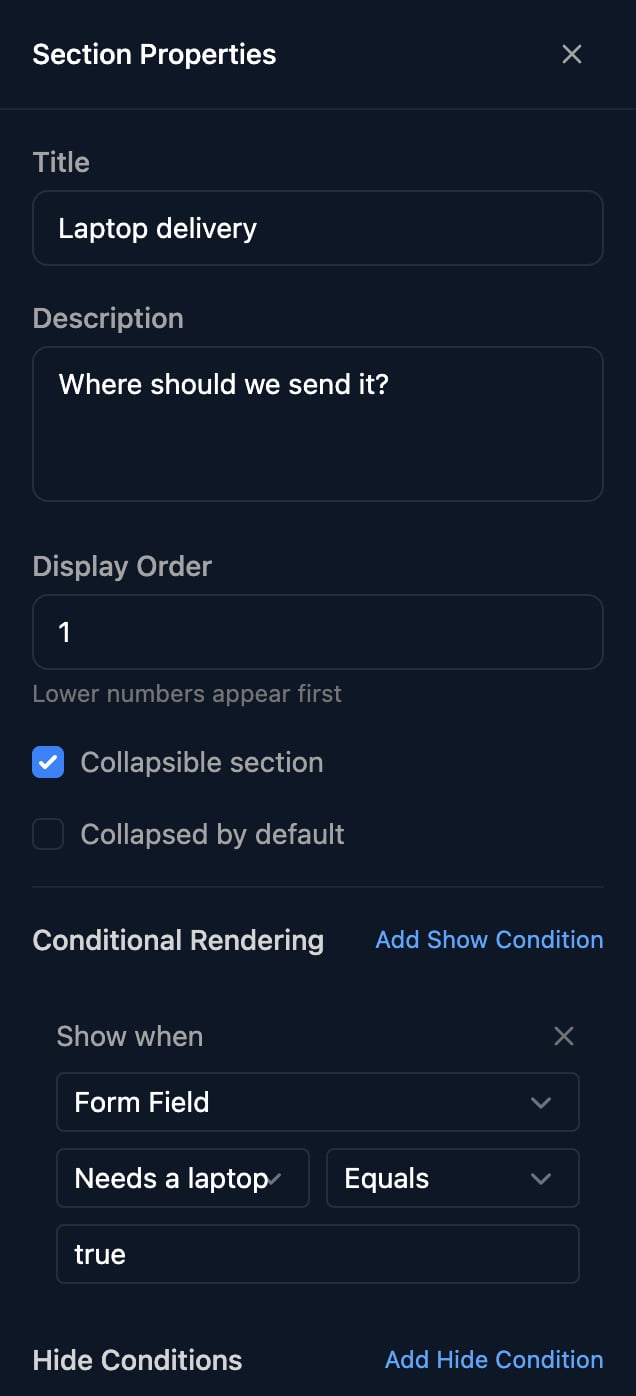
Click the edit icon on a section’s title. Section Properties has the same Conditional Rendering and hides every field in the section; Laptop delivery above shows when Needs a laptop Equalstrue.
How conditions work
A field or section shows only when all its show conditions match, and hides when any hide condition matches. Hide wins.
Client conditions need a form that knows the client; test them with Share Form > Impersonate.
- Compare a Select, Radio or Multi Select by the option’s value, not its label:
macbook-air-13, notMacBook Air 13. - For a Checkbox, use Equals
trueor Equalsfalse. Keeptrueandfalsefor Checkboxes: on other fields, Equalstruematches any answer. - For a Multi Select, use Contains with one option’s value. Contains matches part of a value, so choose option values that don’t appear inside each other.
What hidden fields send
A field that’s hidden and shown again keeps its answer. A template that names a missing field fails, so read optional answers in a Code step:
ctx.params.laptopModel ?? ''. Option workflows (Dynamic options) still see every answer.
FAQ
My field never appears
My field never appears
Check the value is the option’s value, not its label, and matches its capitals. For a Checkbox, use
true.“Missing or invalid variable: params.laptopModel”
“Missing or invalid variable: params.laptopModel”
The field was hidden, so it wasn’t submitted. Read it with
ctx.params.laptopModel ?? '' in a Code step, or branch on needsLaptop first.A client variable condition doesn't work
A client variable condition doesn't work
The form doesn’t know the client, or the variable name doesn’t match exactly. Client conditions are checked when the form opens, not as the person answers.
Can I show a field when either of two answers is chosen?
Can I show a field when either of two answers is chosen?
Hide it for the other answers instead, since any one hide condition hides it: Hide when Department Equals
it, and Hide when Department Is Empty.“Error saving form - builder validation failed: field laptopModel: hideWhen condition 0 must reference a fieldId, clientVariableName, or orgVariableName”
“Error saving form - builder validation failed: field laptopModel: hideWhen condition 0 must reference a fieldId, clientVariableName, or orgVariableName”
A condition was added without choosing a field or variable. Fill it in or remove it with its ×.
“… references non-existent field: needsLaptop”
“… references non-existent field: needsLaptop”
The condition points at a field that was deleted or given a new Field ID. Choose the field again.