

Form fields: adding a Checkbox and a required Select to New starter request, the other field types, and each answer by its Field ID in Submissions (1:27).
What every field has
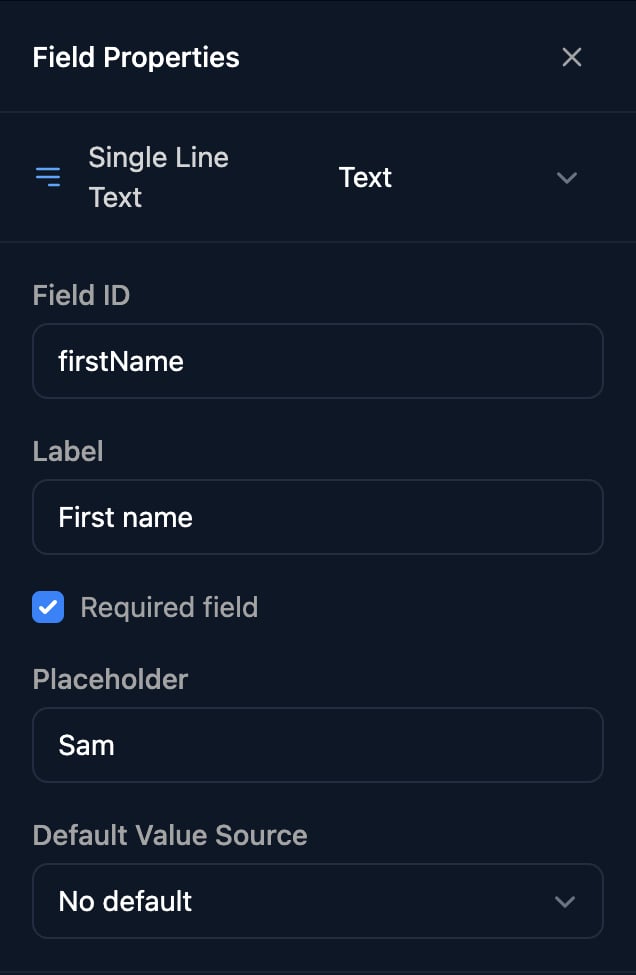
Triggr trims spaces from single-line answers before the workflow sees them.
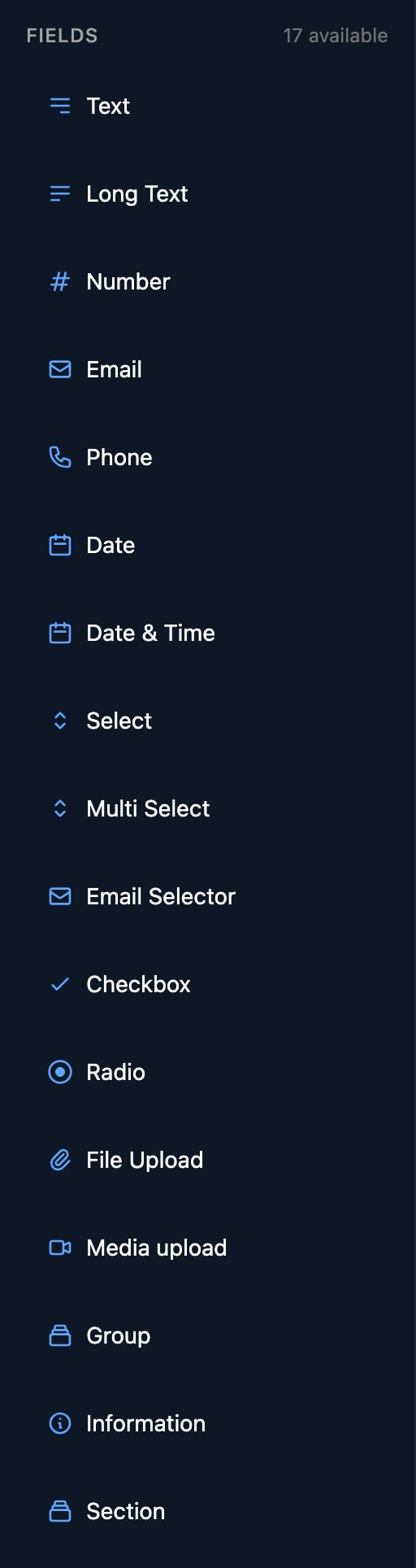
Text and numbers
Dates
To get back the day a Date picked, use the date recipe.
Choices
Select, Multi Select, Radio and Email Selector have an Options Source. Type each option’s label and the value your workflow gets, or load the list from a workflow, Microsoft or an integration with Dynamic options.
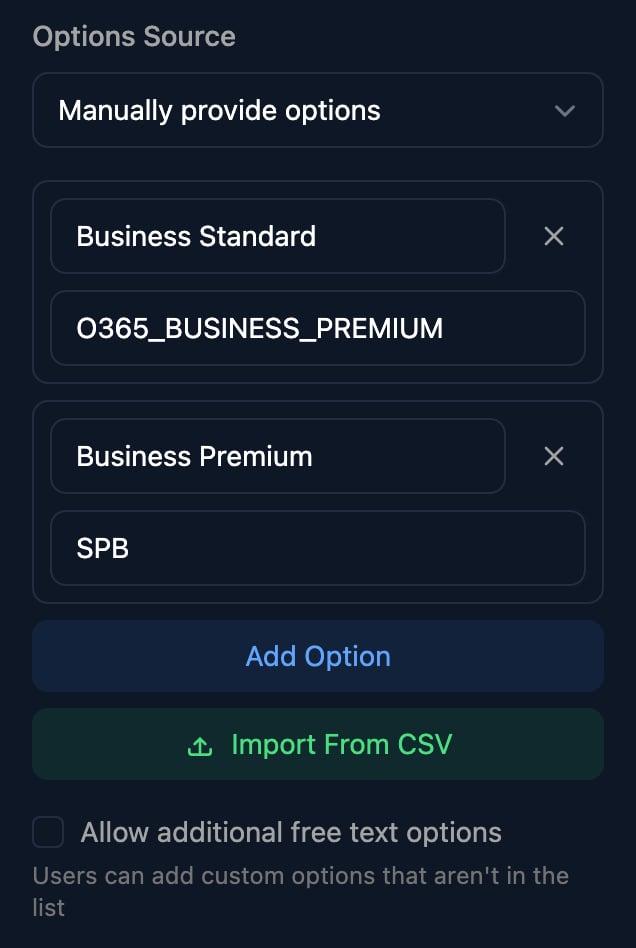
- Import From CSV loads a two-column file with a
Label,Valueheader row, replacing or adding to the list. - Allow additional free text options (Select, Multi Select and Email Selector) lets the person type an option that isn’t listed.
- Give an Email Selector the Microsoft Domains source to offer the client’s own domains.
Files
Groups, information and sections
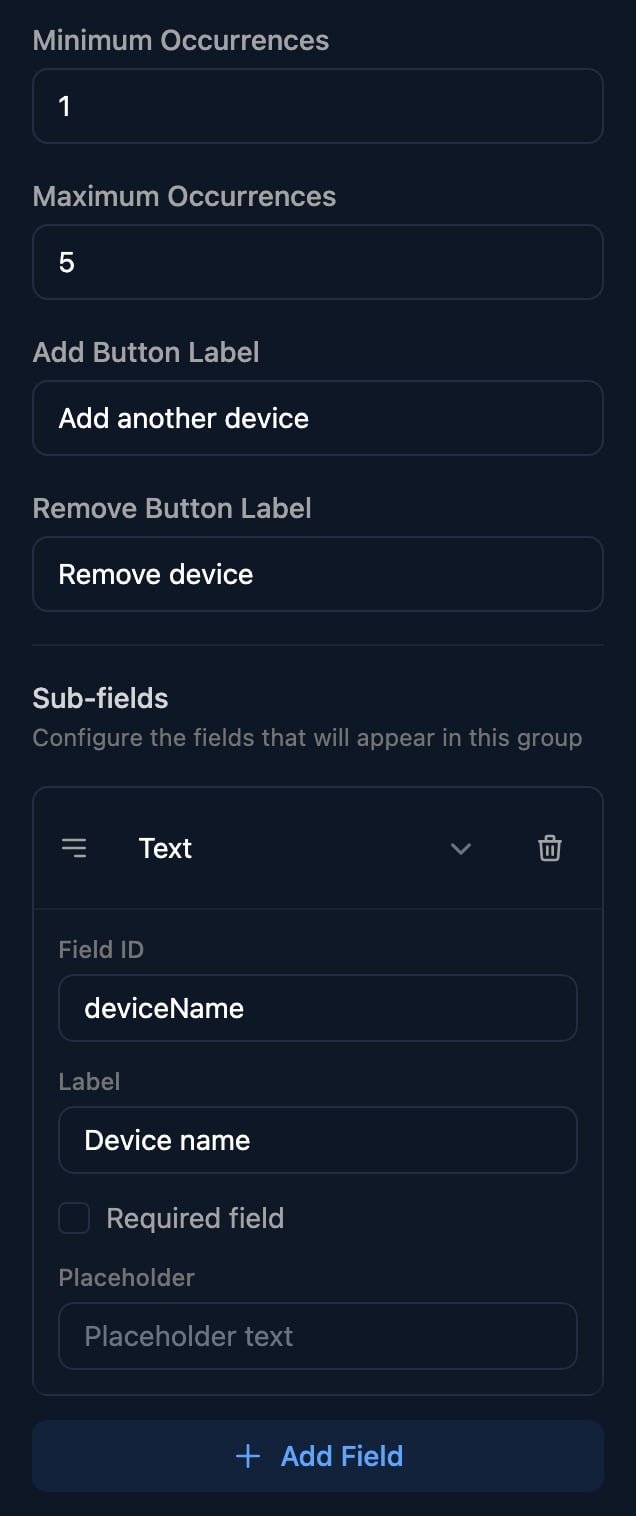
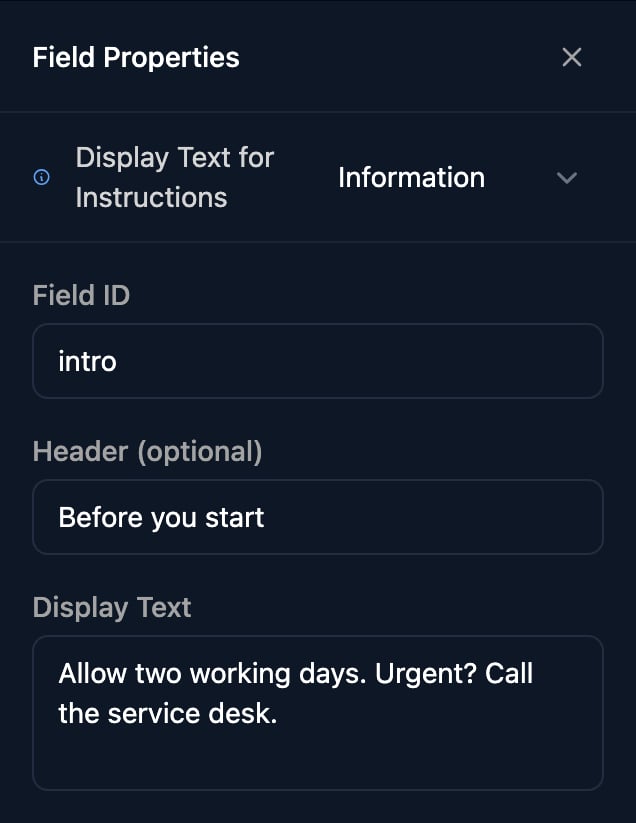
?params=, such as {{ params.ticketId }}.
Click the edit icon on a section’s title for its Title, Description, Display Order, collapsing options and conditions.
Field IDs
- New fields are
property1,property2and so on. Rename them before you build the workflow. - Use letters and numbers without spaces, such as
startDate, so templates can write{{ ctx.params.startDate }}. - IDs must be unique across the whole form, sections included (Group sub-fields only within their Group). A blank one resets to
propertyN. - Changing a Field ID breaks workflows and conditions that use the old one.
- To see what a workflow receives, click View on a submission under Submissions and untick Pretty Format (Show Display Values).
Validation
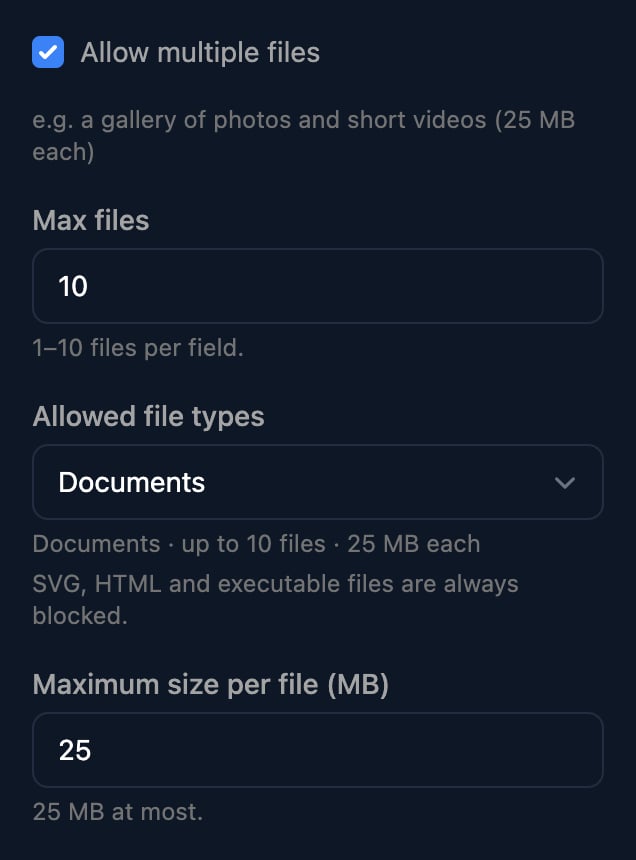
Required field is the only rule you set: the person sees “This field is required.” and Triggr checks again when the form is sent. An Email Selector also asks “Please enter a username.” or “Please select a domain.”; File fields enforce their types, count and size; Groups their minimum and maximum entries. Hidden fields are never required. Check anything else, such as a format, with a Condition step in your workflow.FAQ
Preview says “Form submission is disabled in preview mode”
Preview says “Form submission is disabled in preview mode”
Preview doesn’t send or check answers. To test required fields, open the Public Form URL from Share Form; submitting there starts connected workflows for real.
“Error saving form - builder validation failed: duplicate field ID: department”
“Error saving form - builder validation failed: duplicate field ID: department”
Two fields share a Field ID. Rename one.
My workflow gets the option's code, not its label
My workflow gets the option's code, not its label
Workflows get each option’s value. Make the value what the workflow needs, such as a SKU, and the label what people read.