

On-prem scripts: writing a script, running it from a workflow through Globex's agent, and reading what it returned (1:28).
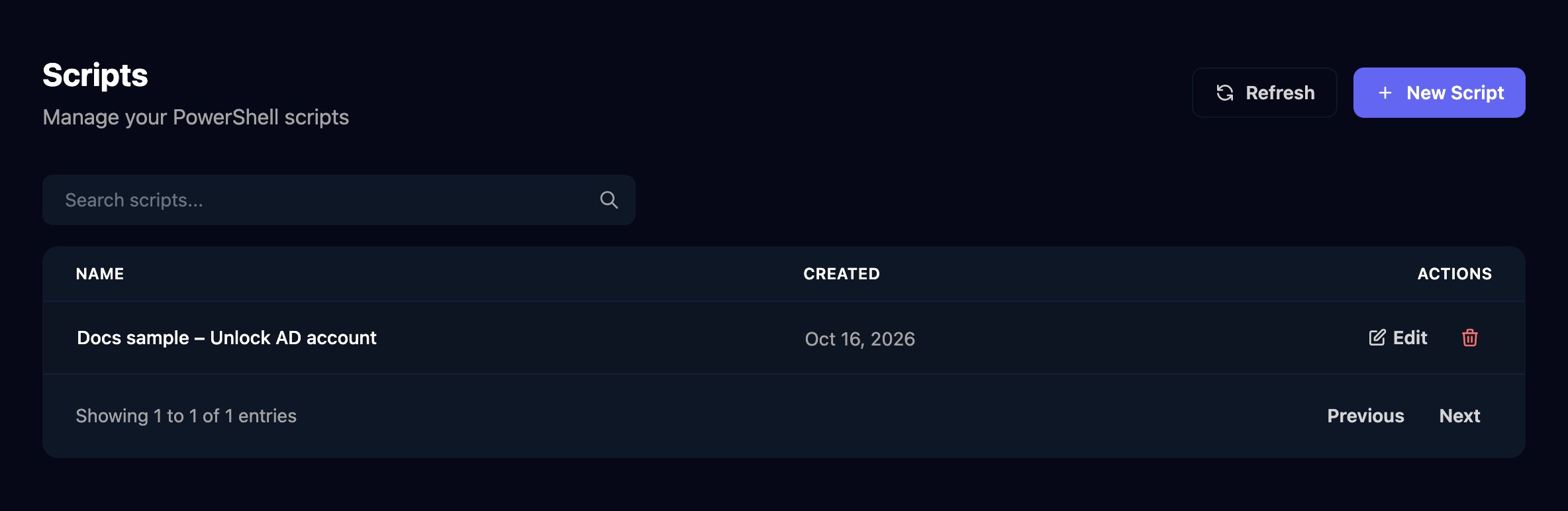
Example: unlock an AD account
The script unlocks a user in a client’s Active Directory and reports their last logon.1
Write the script
Click New Script, name it, paste the script and click Create Script.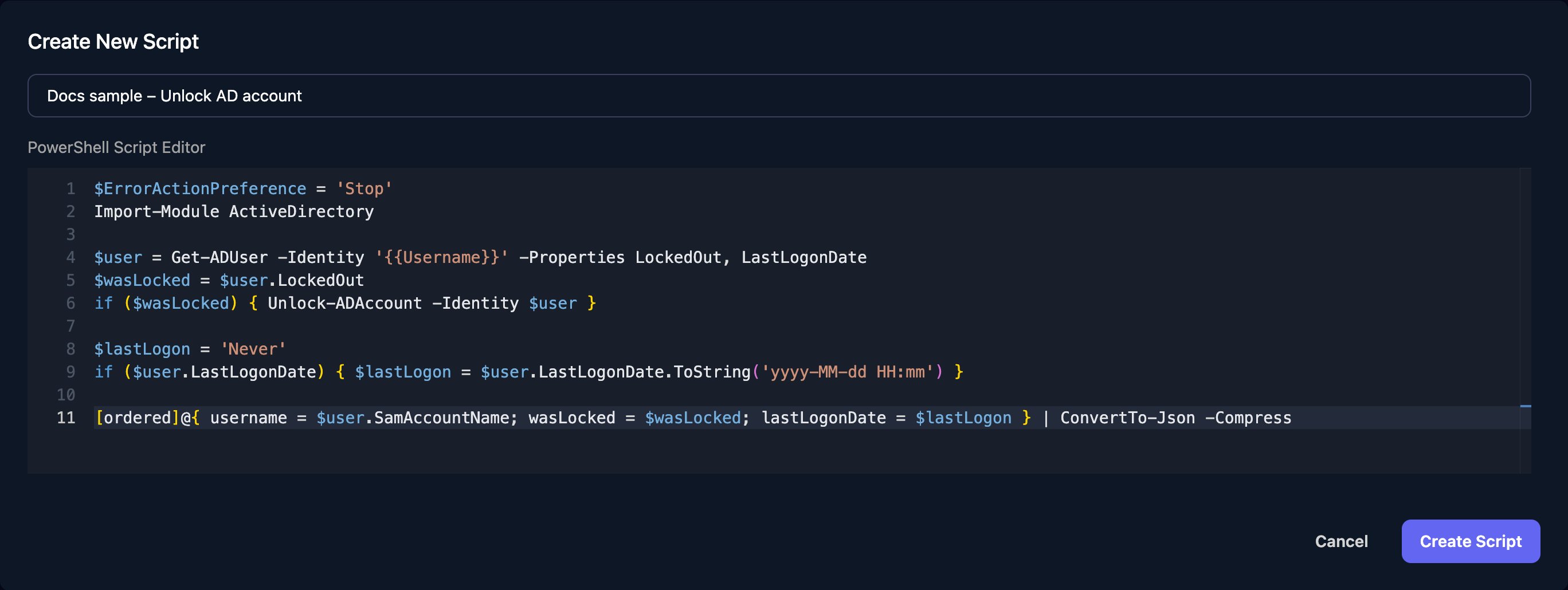
{{Username}} is a parameter Triggr fills in before the script runs; $ErrorActionPreference = 'Stop' makes any error fail the run, and the last line returns the result as one line of JSON.2
Run it from a workflow
Add Execute PowerShell (Timeout) from On Prem and rename it 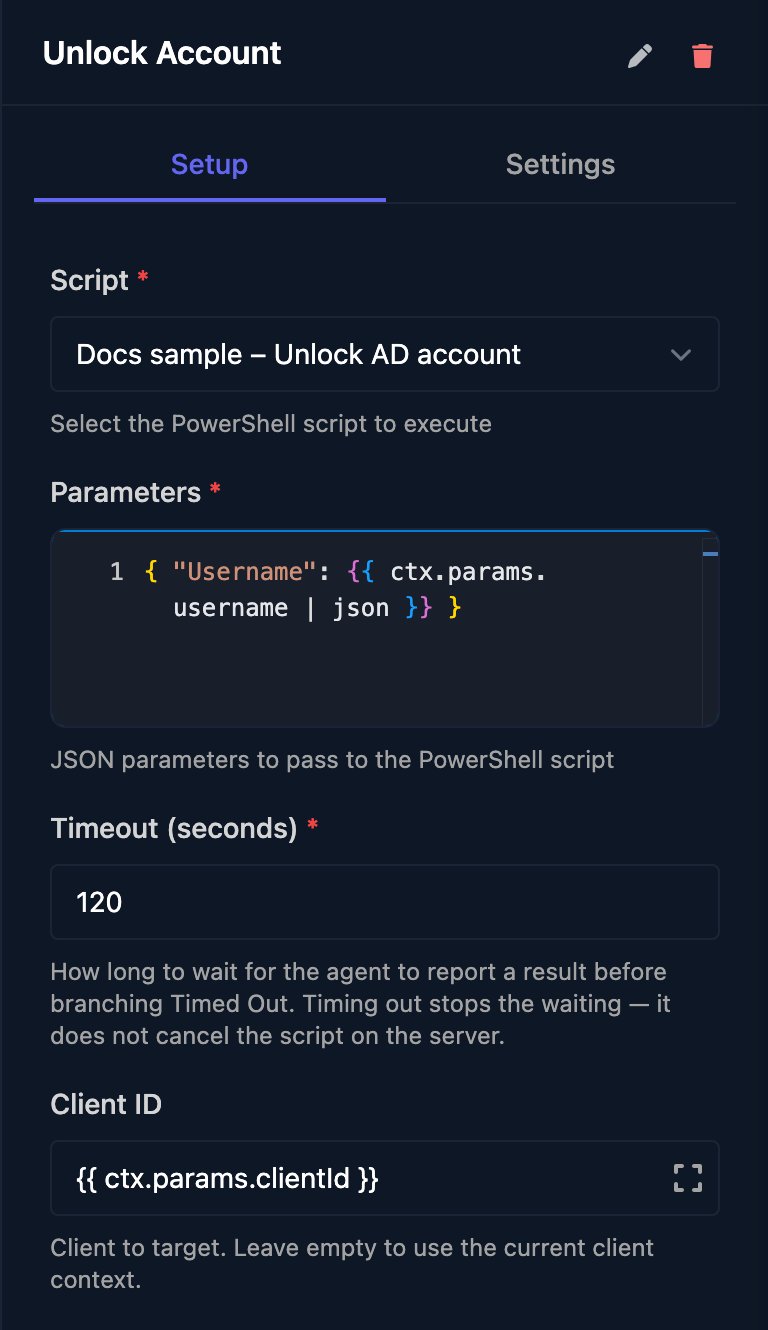
Unlock Account with the pencil (it starts as Execute Powershell With Timeout). Choose the script, fill in Parameters and set Client ID (or leave it empty to use the client an earlier Client step set).| json keeps quotes in form or webhook values from breaking the JSON (see Build JSON).3
Handle each outcome
Connect the Completed, Failed and Timed Out branches; Timed Out means no agent reported back in time, usually because it’s offline.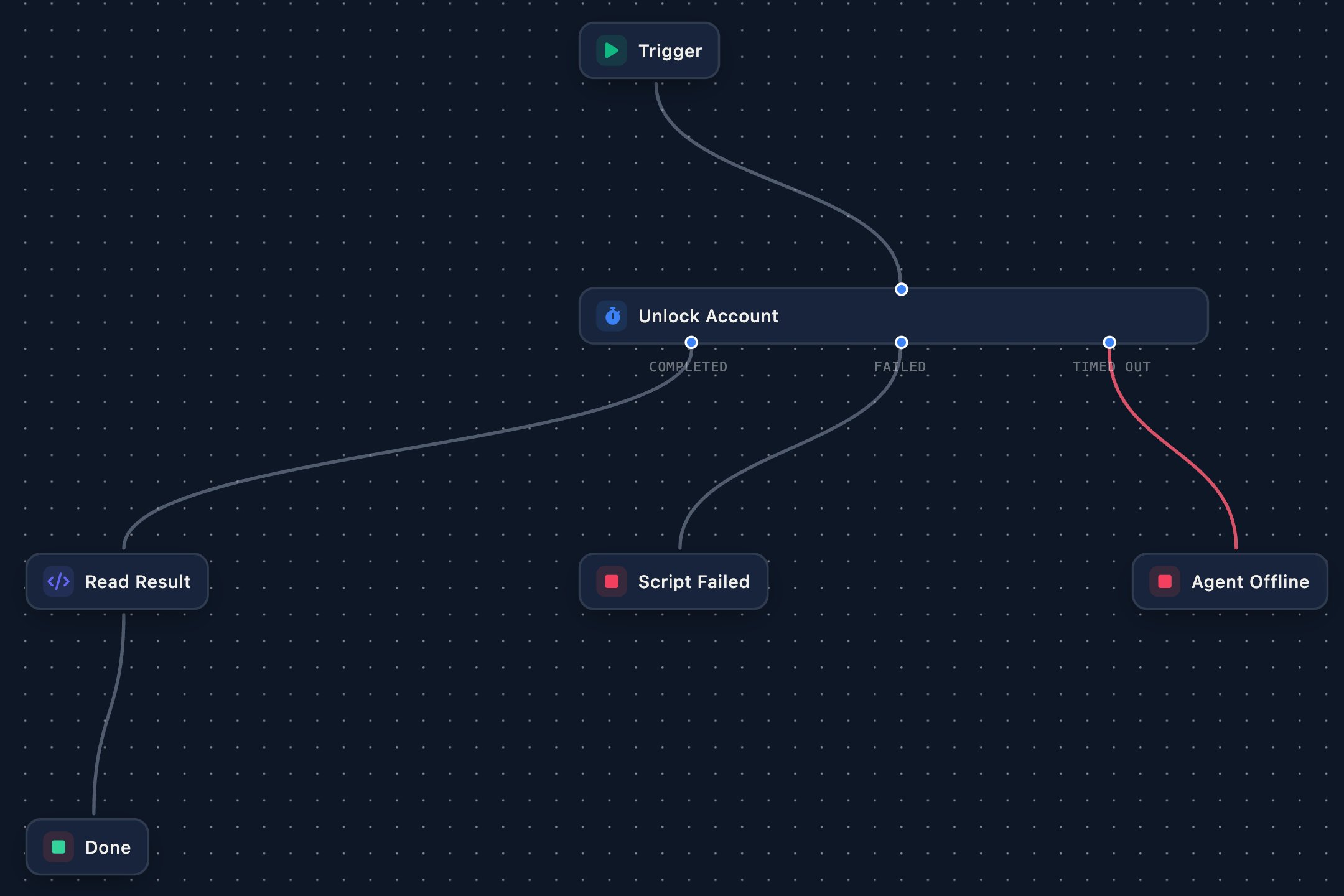
4
Read the result
The script’s output arrives as text in ![The Read Result Code step with JavaScript return JSON.parse(ctx.steps['Unlock Account'].output);](https://mintcdn.com/triggr/XztmSfsoAUpshfIO/images/studio/on-prem/read-result-step.png?fit=max&auto=format&n=XztmSfsoAUpshfIO&q=85&s=bbe55de8161a909a66260e9bb6e1d3f3)
output. On the Completed branch, add a Code step named Read Result that parses it, so later steps can use {{ ctx.steps['Read Result'].lastLogonDate }}.5
Test it
Save, click Manual Trigger and enter a real user and the client’s ID from its page in Clients. The run waits on Unlock Account until the agent reports back; click the step to see its output.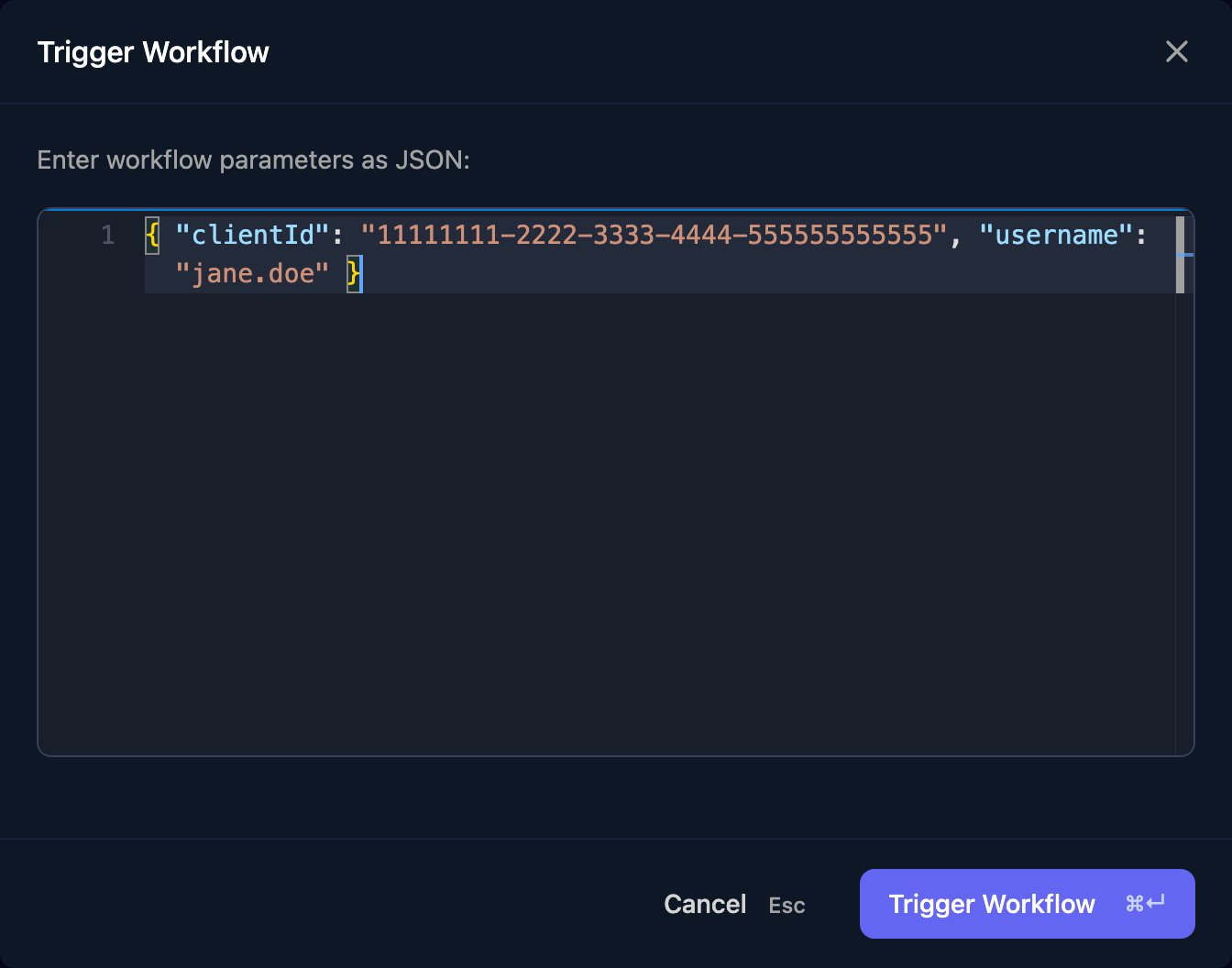
What the step returns
The plain Execute PowerShell step has no deadline or branches: it waits for an agent, then carries on whether the script worked or not, so check
{{ ctx.steps['Step name'].completed }} in a Condition step. Check Agents Online tests an agent is up first (On Prem steps).
How scripts run
- The agent stops a script after 10 minutes, whatever the step’s timeout, and the step fails.
- Scripts run in PowerShell 7 if it’s installed, otherwise Windows PowerShell 5.1, under the agent service’s account (Local System unless you changed it).
- Any online agent for the client can run the script, so install the modules you need on each.
- A placeholder becomes the value’s text exactly. Keep it in single quotes and check form input first: a
'in the value ends the string early.
Executions
On-Prem > Executions lists every run with its script, client and status; a run is Pending until an agent picks it up. Runs that timed out show under All Statuses. Click View for its parameters, output and error.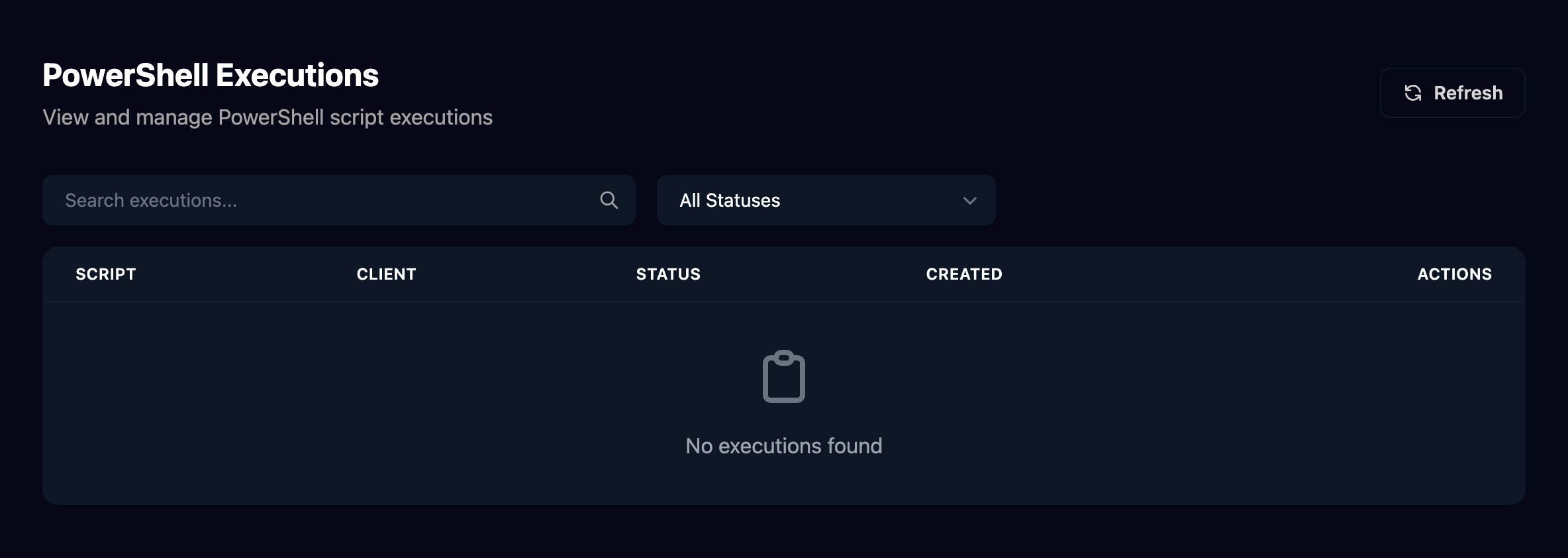
FAQ
Can I run a script without a workflow?
Can I run a script without a workflow?
No. Make a small workflow with an Execute PowerShell step and run it with Manual Trigger.
Do I need a param() block?
Do I need a param() block?
No. Write
{{Name}} wherever a value goes. A placeholder with no matching key in Parameters stays as it is.A number I passed arrives as 30.000000
A number I passed arrives as 30.000000
Numbers in Parameters are written with six decimal places. Pass them as text, such as
"Days": "30".My Code step can't parse the output
My Code step can't parse the output
output includes Write-Host lines and warnings. Make the JSON line the only output: remove Write-Host and pipe other output to Out-Null.Can I change a script without breaking workflows?
Can I change a script without breaking workflows?
Saving a script changes it for every workflow that uses it from the next run; there’s no version history, and deleting one doesn’t check which workflows use it.
Troubleshooting
“the on-prem agent did not report a result before the step timeout — check that it's online”
“the on-prem agent did not report a result before the step timeout — check that it's online”
No agent for that client reported back in time. Check the client’s agent is Online (Install the agent).
“PowerShell script failed with exit code 1”
“PowerShell script failed with exit code 1”
The script hit an error or ran past 10 minutes.
output holds PowerShell’s error message.“client not found in context” or “no client set in the workflow context and no clientId configured on the step”
“client not found in context” or “no client set in the workflow context and no clientId configured on the step”
The run has no client. Set Client ID, or start the workflow with a Client step such as Set Client By ID.
“parameters must be valid JSON”
“parameters must be valid JSON”
A filled-in value has quotes in it. Add
| json to the template: { "Username": {{ ctx.params.username | json }} }.“The specified module 'ActiveDirectory' was not loaded”
“The specified module 'ActiveDirectory' was not loaded”
The agent’s machine lacks the ActiveDirectory module. Install the RSAT Active Directory tools there, or install the agent on a domain controller.