

Debug a failed run: find the failed run, read the step's error, fix the step and retry the run (1:23).
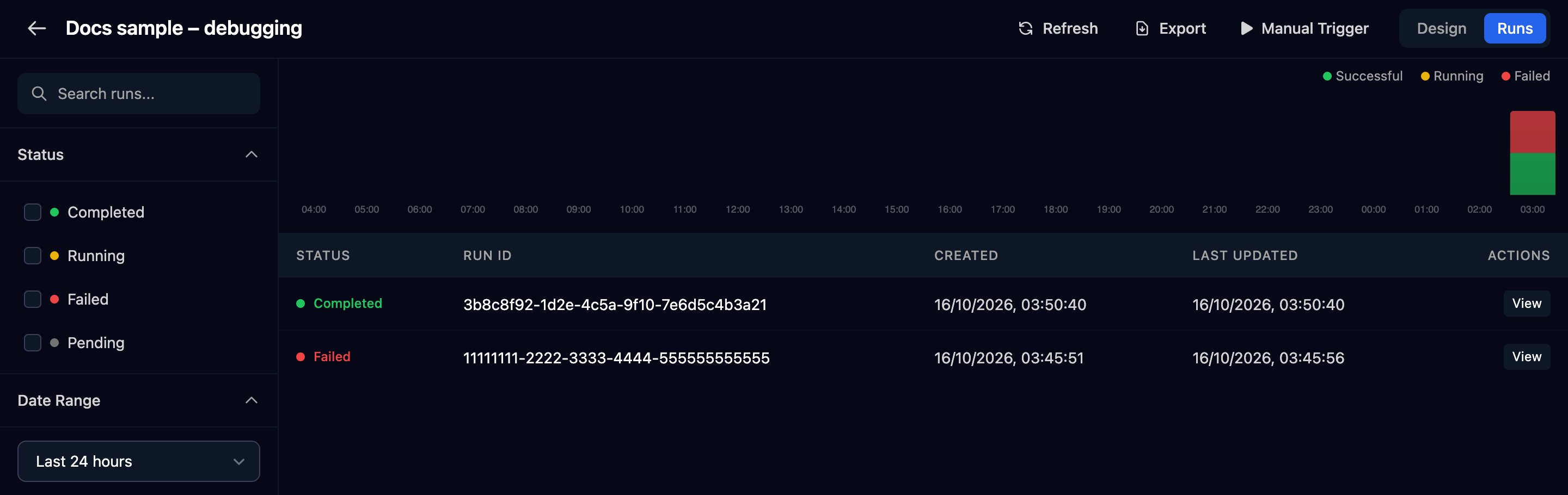
Find the run
Open the workflow's runs
Or search every workflow
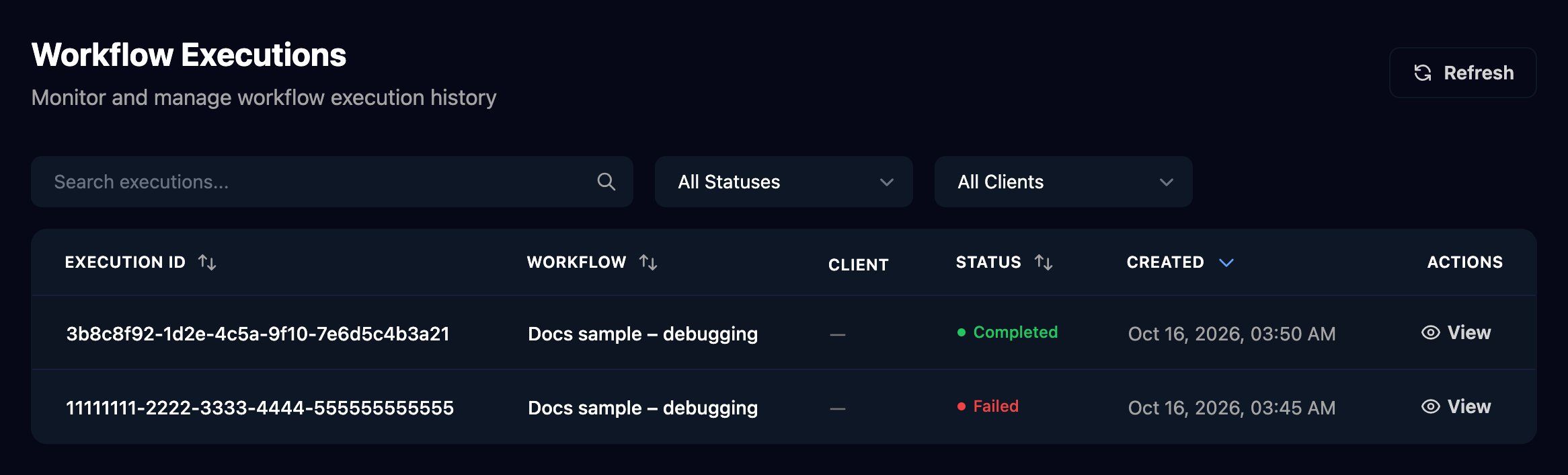
Read the failed run
Open the run
params.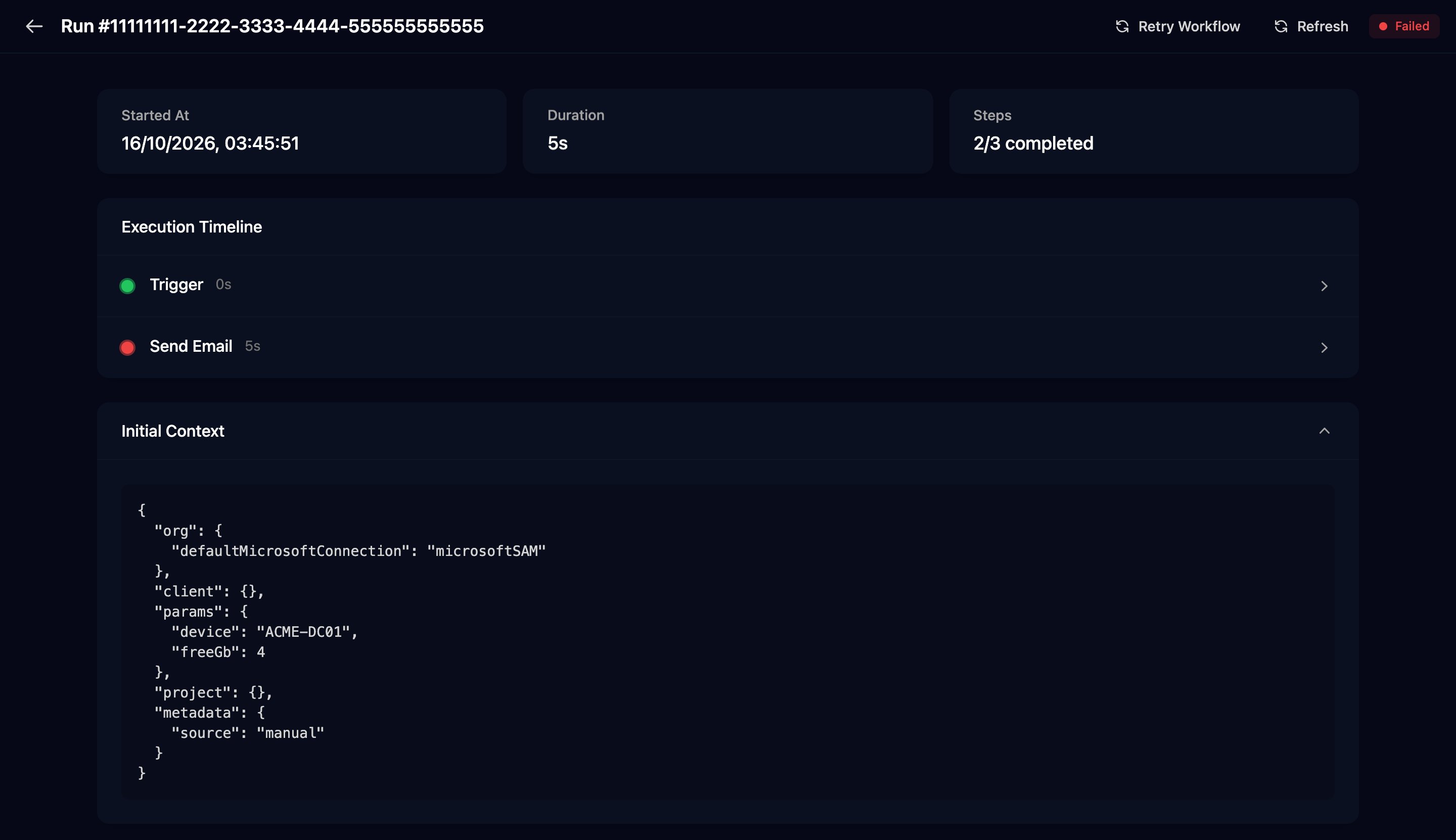
Read the error
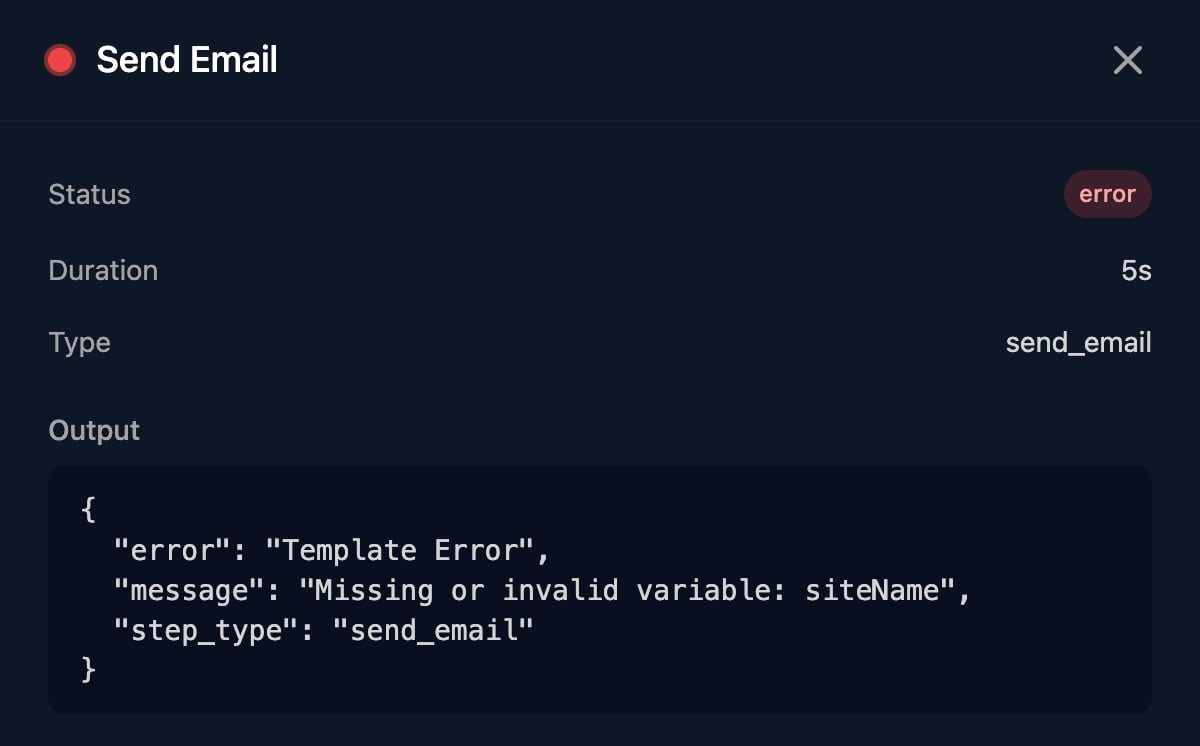
{{ ctx.params.siteName }} and the alert didn’t send siteName.See it on the canvas
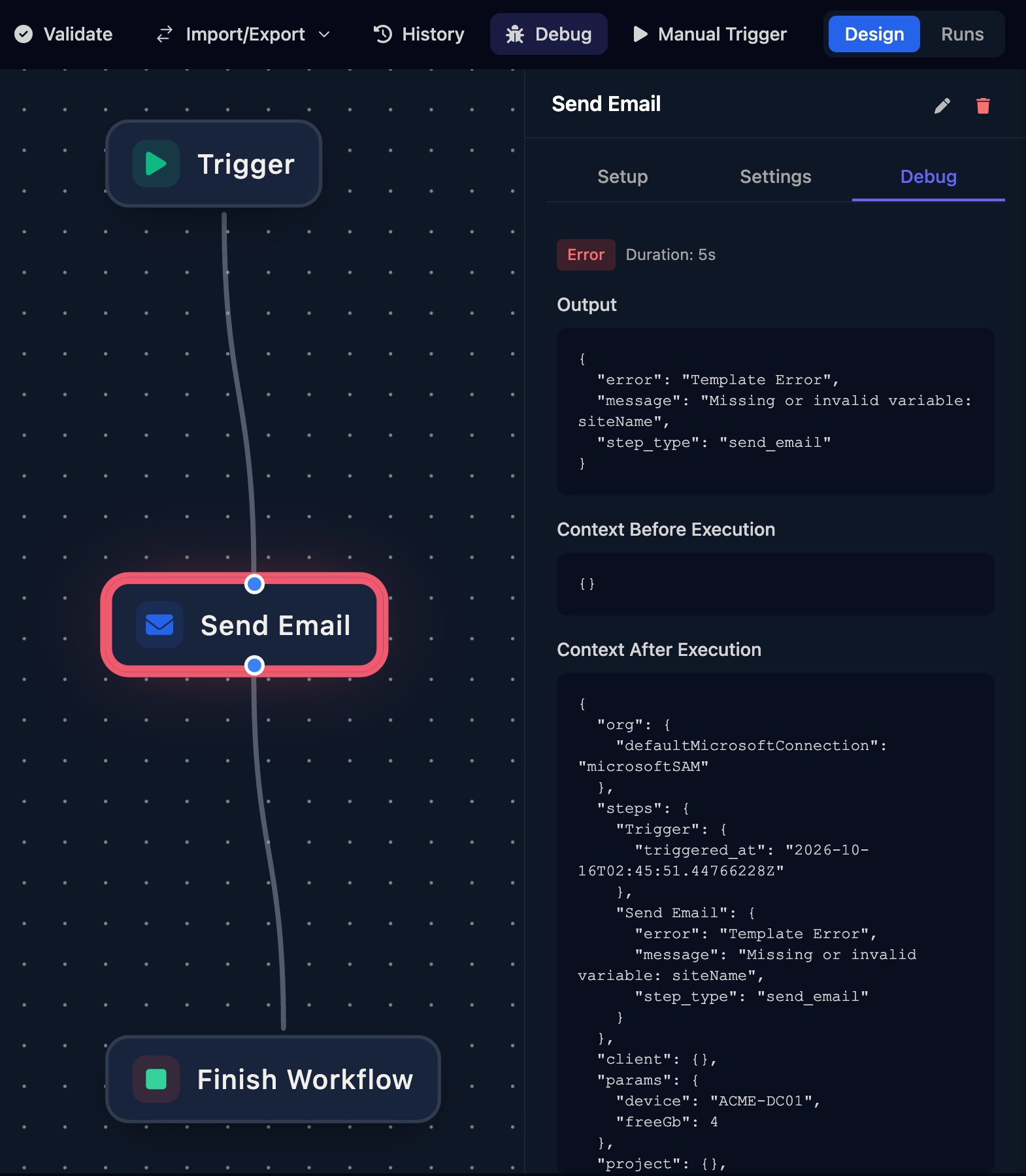
Fix it and run it again
Fix the cause
Test with the failed run's input
params from Initial Context.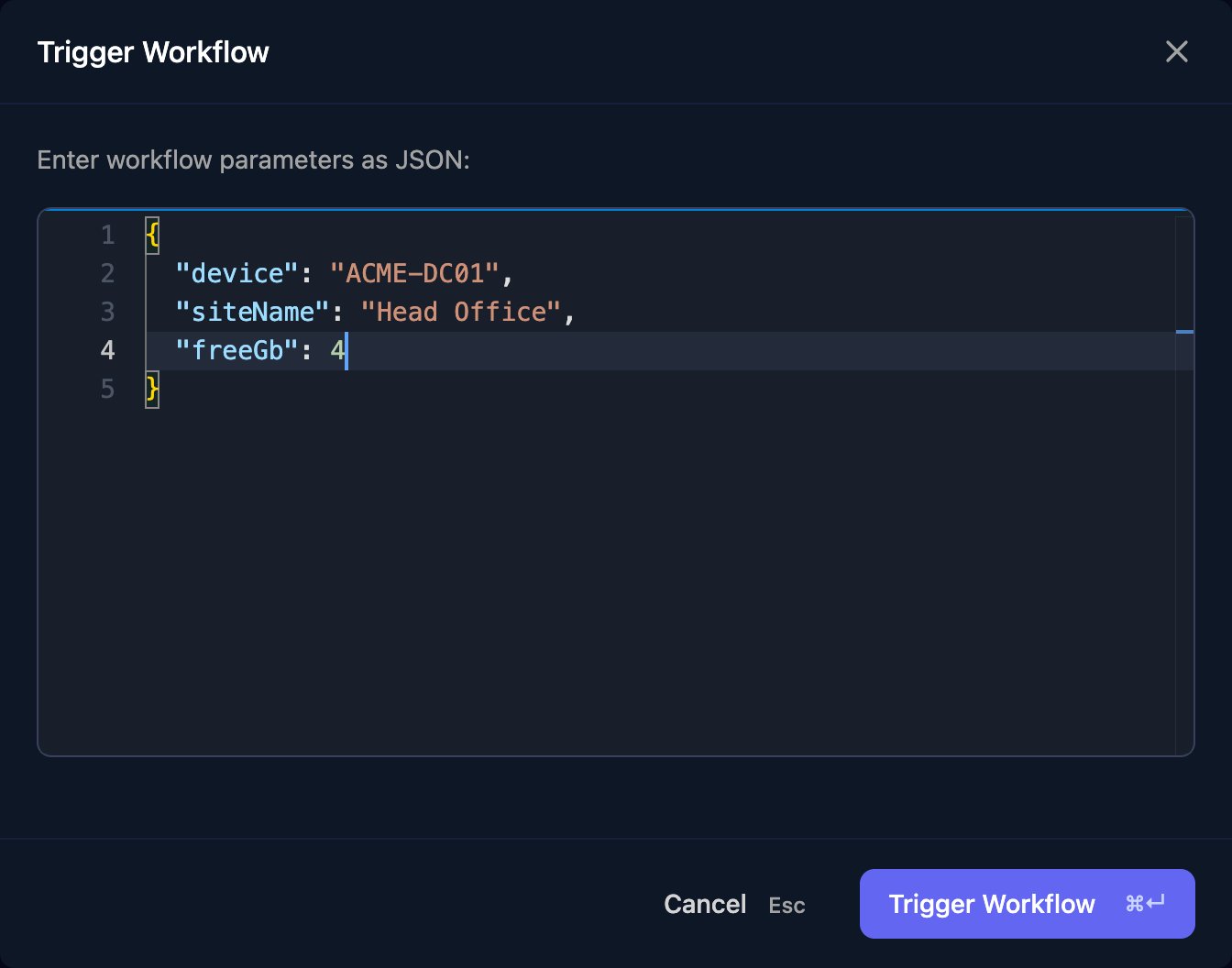
Check every step is green
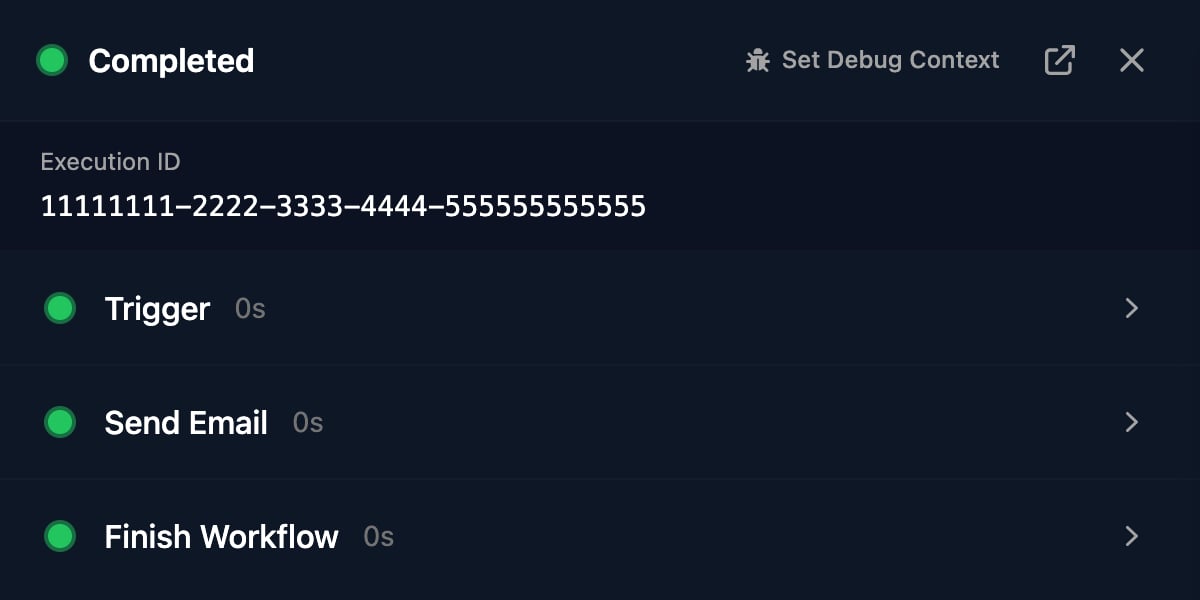
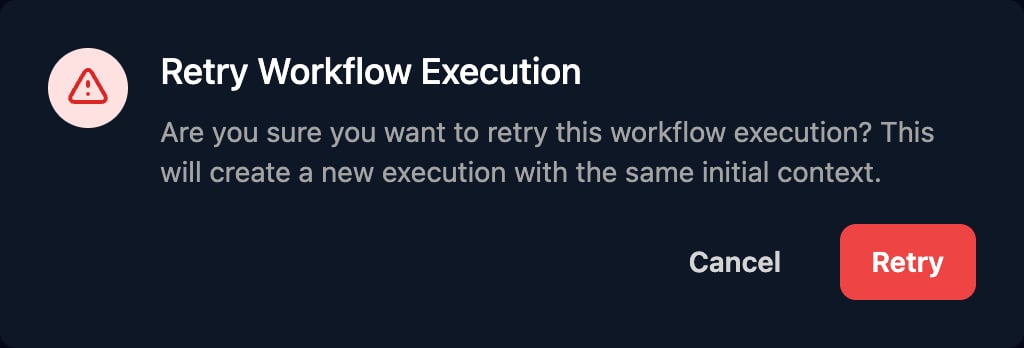
Stop a stuck run
A run stays Running while a step waits: an approval, a manual step, a delay, an awaited workflow or an on-premises agent. Open it to see which step it’s on, and click Terminate Run to stop it as Failed.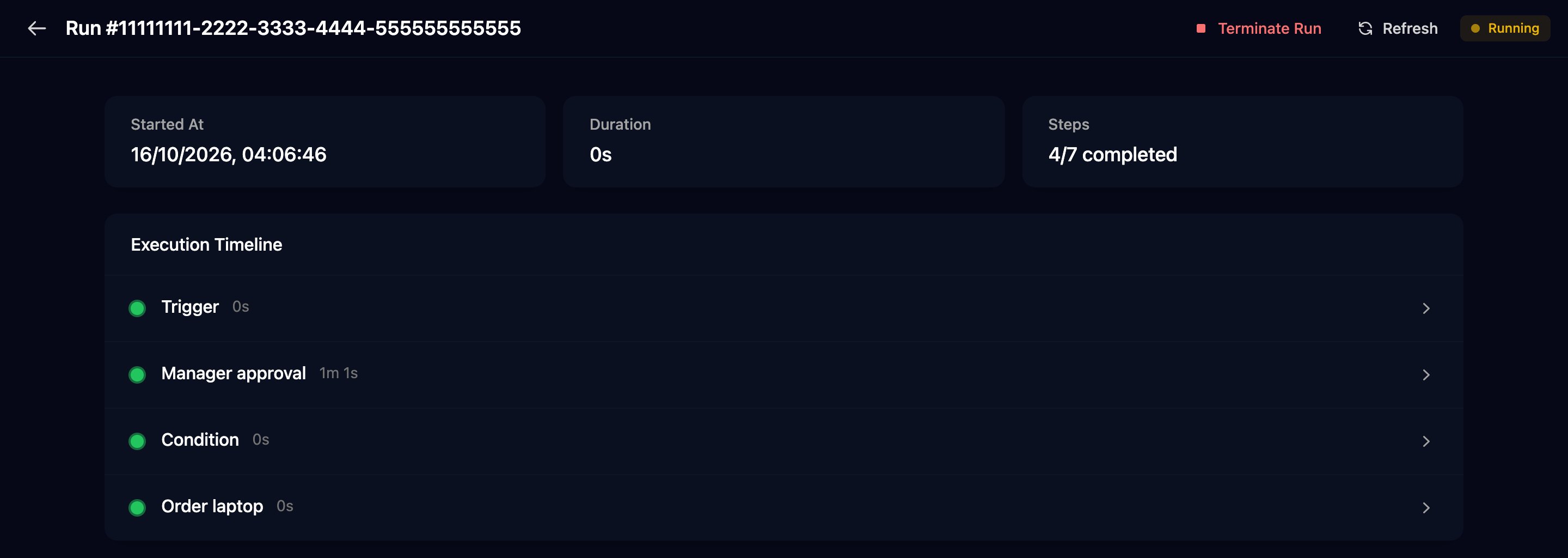
Catch failures early
- An admin can send the
execution.failedevent to your own systems from Settings > Webhooks. See API keys and webhooks. - The Dashboard’s Execution Stats (Past 7 Days) charts failed runs across your organisation.
- An AI tool connected through MCP can rank failures with
get_workflow_failure_statsand show each integration call’s URL, status and response withlist_api_request_logs.
Common errors
The failed step’s Output holds the message, sometimes after a code such asinternal: or failed_precondition:.
“Missing or invalid variable: …”
“Missing or invalid variable: …”
“no … integration is configured for this client. Refusing to fall back to the organisation-level configuration …”
“no … integration is configured for this client. Refusing to fall back to the organisation-level configuration …”
“failed to get integration configuration (both tenant-specific and base): no matching integration found”
“failed to get integration configuration (both tenant-specific and base): no matching integration found”
“client ID not found in tenant or base configuration” (or API key, token, username / password)
“client ID not found in tenant or base configuration” (or API key, token, username / password)
“access token expired and no refresh token available”
“access token expired and no refresh token available”
“integration request failed with status code: 401 …” or “… 403 …”
“integration request failed with status code: 401 …” or “… 403 …”
Response:. Renew the credential or grant the role in the integration’s guide.“integration request failed with status code: 429 …” or 5xx
“integration request failed with status code: 429 …” or 5xx
“failed to execute HTTP request: … context deadline exceeded”
“failed to execute HTTP request: … context deadline exceeded”
“refusing to connect to blocked IP address …”
“refusing to connect to blocked IP address …”
“microsoftGDAP integration is not configured for tenant '…'”
“microsoftGDAP integration is not configured for tenant '…'”
microsoftSAM, it hasn’t approved the per-client app. See the Microsoft and GDAP FAQ.“tenant ID is required for … requests”, “client not found in context” or “client.id not found in context”
“tenant ID is required for … requests”, “client not found in context” or “client.id not found in context”
“org.defaultMicrosoftConnection not found or empty”
“org.defaultMicrosoftConnection not found or empty”
defaultMicrosoftConnection (microsoftGDAP, microsoftSAM or CIPP) in Settings > Org Variables.“Triggr is fixing this automatically … re-run in a few minutes.”
“Triggr is fixing this automatically … re-run in a few minutes.”
“The GDAP relationship with this client has expired or been removed — renew it in Partner Center.”
“The GDAP relationship with this client has expired or been removed — renew it in Partner Center.”
“failed to get tenant details: tenant not found”
“failed to get tenant details: tenant not found”
An Execute PowerShell step stays Running, or “the on-prem agent did not report a result before the step timeout — check that it's online”
An Execute PowerShell step stays Running, or “the on-prem agent did not report a result before the step timeout — check that it's online”
My PowerShell step is green but the script failed
My PowerShell step is green but the script failed
completed: false and error. Branch on completed, or use the Failed branch of Execute PowerShell (Timeout).“SQL query failed: invalid SQL query: pq: …”
“SQL query failed: invalid SQL query: pq: …”
relation "…" does not exist is a wrong table name, syntax error a typo, and permission denied a missing right for the database user.“invalid email format: …”
“invalid email format: …”
“failed to execute JavaScript condition: …”
“failed to execute JavaScript condition: …”
Cannot read property … of undefined). Check the path in the earlier step’s Output.The run failed but no step is red
The run failed but no step is red
The run never leaves Running
The run never leaves Running