

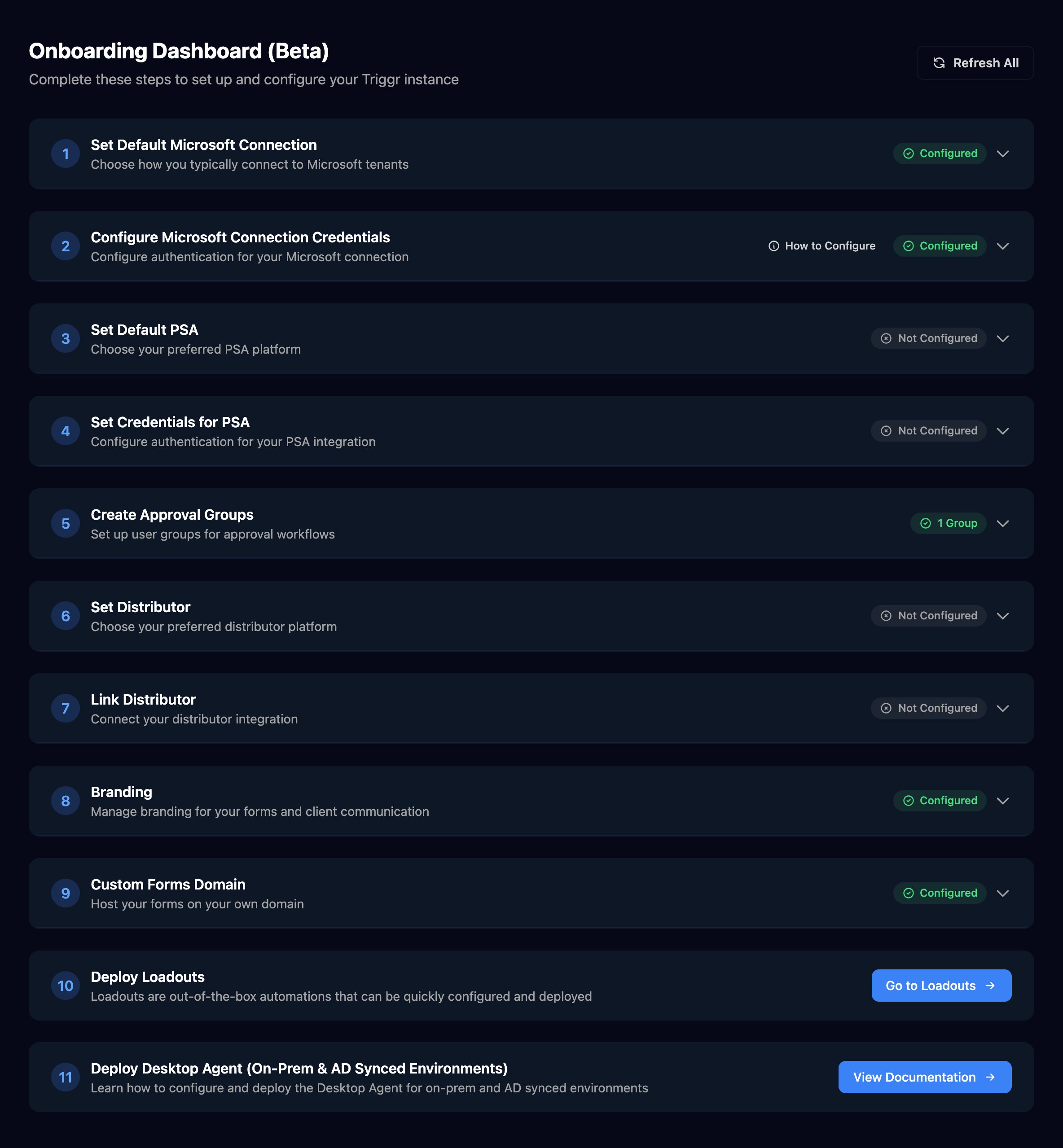
Your go-live checklist: the set-up order, where each step lives in Studio and how to tell it's done (1:28).
FAQ
I can't see Onboarding (β) in the top bar
I can't see Onboarding (β) in the top bar
It shows only to organisation admins, and only until a default Microsoft connection is set. Admins can still open it from ⌘K search.
Do I need Triggr Core set up too?
Do I need Triggr Core set up too?
No. Core and Studio share your sign-in, team, clients, branding and sending profiles. Core’s request forms have their own domain setting.
Which PSA should I choose if mine isn't listed?
Which PSA should I choose if mine isn't listed?
Choose Other. Create Ticket and Log to Ticket work with Halo PSA, ConnectWise PSA and Autotask by Datto; with any other PSA, use its own integration actions.
Can I change the defaults later?
Can I change the defaults later?
Yes: run Setup Wizard again, or edit the variables on Org Variables. Steps use the new value from their next run.