

TriggrAgentService Windows service in C:\Program Files\TriggrAgent, set to start automatically.
Deploy through your RMM
In your RMM, set theTriggrClientId and TriggrClientSecret environment variables for the target machine to the client ID and secret you generated, then run the script as administrator. Rerun it to upgrade or reconfigure an agent: it replaces any installed service with the current version.
TriggrAgentDeploy.ps1
Exit codes
Your RMM can report the step that failed from the exit code.Check it’s connected
Within a few minutes the client shows the agent Online: under Agent Summary in Studio, or in the client’s Agent section in Core (click Refresh). Then run a workflow with an Execute PowerShell step for that client.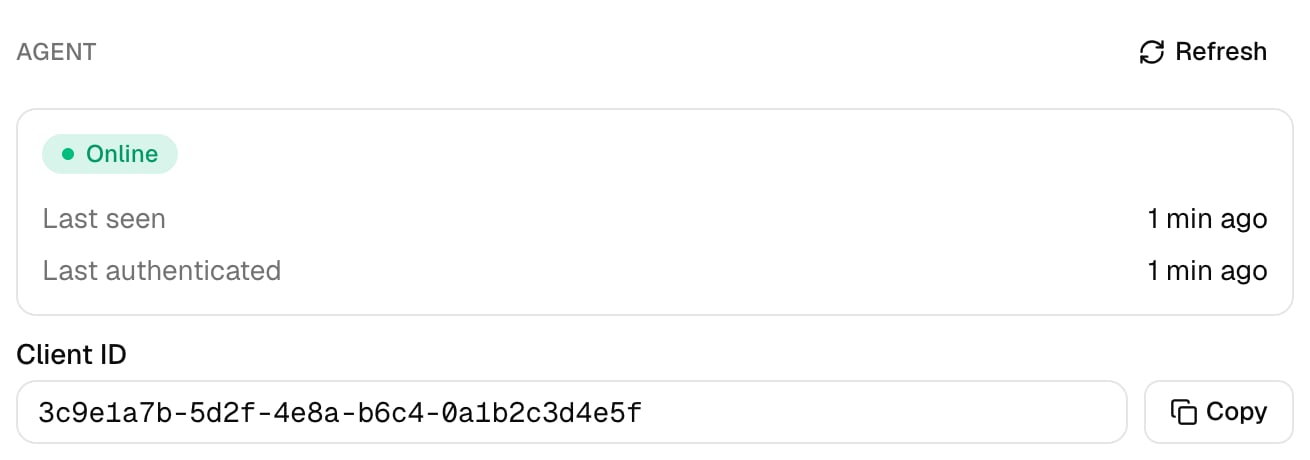
Troubleshooting
The agent never shows Online
The agent never shows Online
On the machine, run
& "C:\Program Files\TriggrAgent\TriggrAgentService.exe" -status, then read C:\ProgramData\TriggrAgent\logs\service.log (or run the same command with -view-logs). authentication failed with status 401: the client ID or secret is wrong or revoked, so rerun the script with the right values. failed to send request: the machine can’t reach api.triggr-app.com over HTTPS.Exit code 3: the download failed
Exit code 3: the download failed
The machine can’t reach
triggr-agent.s3.eu-west-2.amazonaws.com over HTTPS, or TLS 1.2 is disabled. Allow the download in your web filter and try again.Exit code 5: configuring the credentials failed
Exit code 5: configuring the credentials failed
The script couldn’t save the agent’s config file. Check it ran as administrator and that
TriggrClientId and TriggrClientSecret are set for the machine, not just for your RMM session. Wrong values don’t fail this step; they show up later as an authentication error in the log.Scripts fail with “Access is denied” or can't find the ActiveDirectory module
Scripts fail with “Access is denied” or can't find the ActiveDirectory module
The service runs as Local System on that machine. Install it on a domain controller, or change the service’s Log On account in Services to one with the rights your scripts need, and install the modules they use.
A script was cut off
A script was cut off
The agent stops a script after 10 minutes. Split long jobs into several steps.