

api.smartsheet.com, not Smartsheet Gov or Smartsheet Regions.
Set up Smartsheet
1
Choose the Triggr user
The token has the same access as its user, so use a shared service account. Share the sheets, workspaces, reports and dashboards your workflows touch with it; user actions need System Admin, and group actions need group administrator or System Admin.
2
Generate an access token
Signed in as that user, select Account > Personal Settings > API Access > Generate new access token. Name it
Triggr, select OK and copy the token before you select OK again. Smartsheet shows it only once.Connect it in Triggr
1
Open the configuration
Go to Integrations > Smartsheet and click Configure on the Base Configuration card.
2
Enter the token
Paste the token, without a 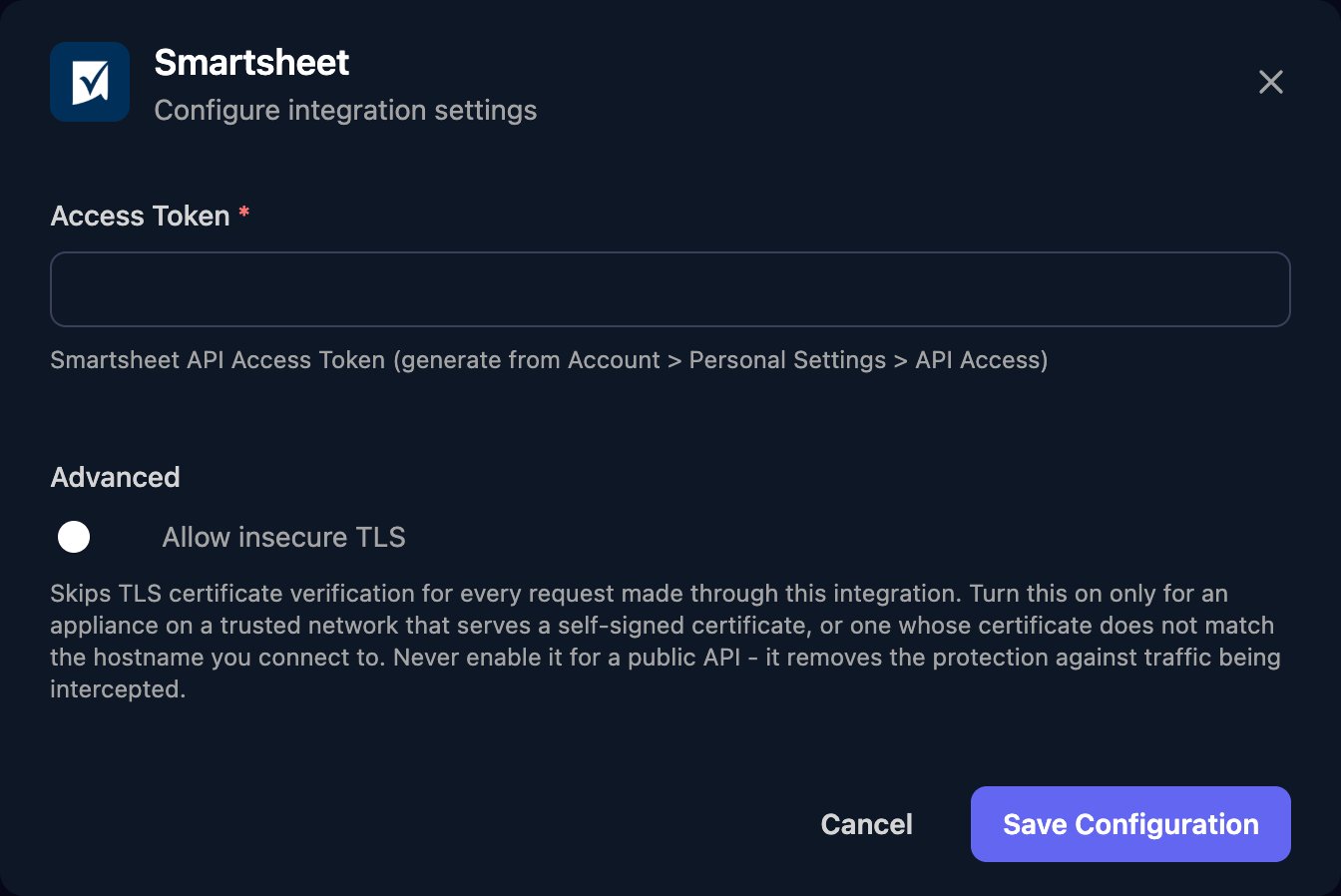
Bearer prefix, into Access Token and click Save Configuration.sheetId or columnId. Get sheet returns a sheet’s column and row IDs.
Troubleshooting
403 Forbidden (1004)
403 Forbidden (1004)
Share the item with the Triggr user, or give it System Admin (users) or group administrator (groups).
Deactivating or reactivating a user fails
Deactivating or reactivating a user fails
Smartsheet refuses users on a public or non-plan email domain, users managed by an identity provider such as Microsoft Entra ID, and reactivations after 30 days or more.
429 (4003)
429 (4003)
Smartsheet allows 300 requests a minute per token. Spread large workflows out or run them in smaller batches.