

Set up Simplesat
1
Create a key
As an Owner or Admin, go to Settings > API keys (open it), click Create API key and name it
Triggr.2
Choose its access
Full access covers every scope. For Custom, select the scopes your workflows need:
3
Copy the secret
Create the key and copy the secret. Simplesat shows it only once.
Connect it in Triggr
1
Open the configuration
Go to Integrations > Simplesat and click Configure on the Base Configuration card.
2
Enter the secret
Paste the secret into API Key and click Save Configuration.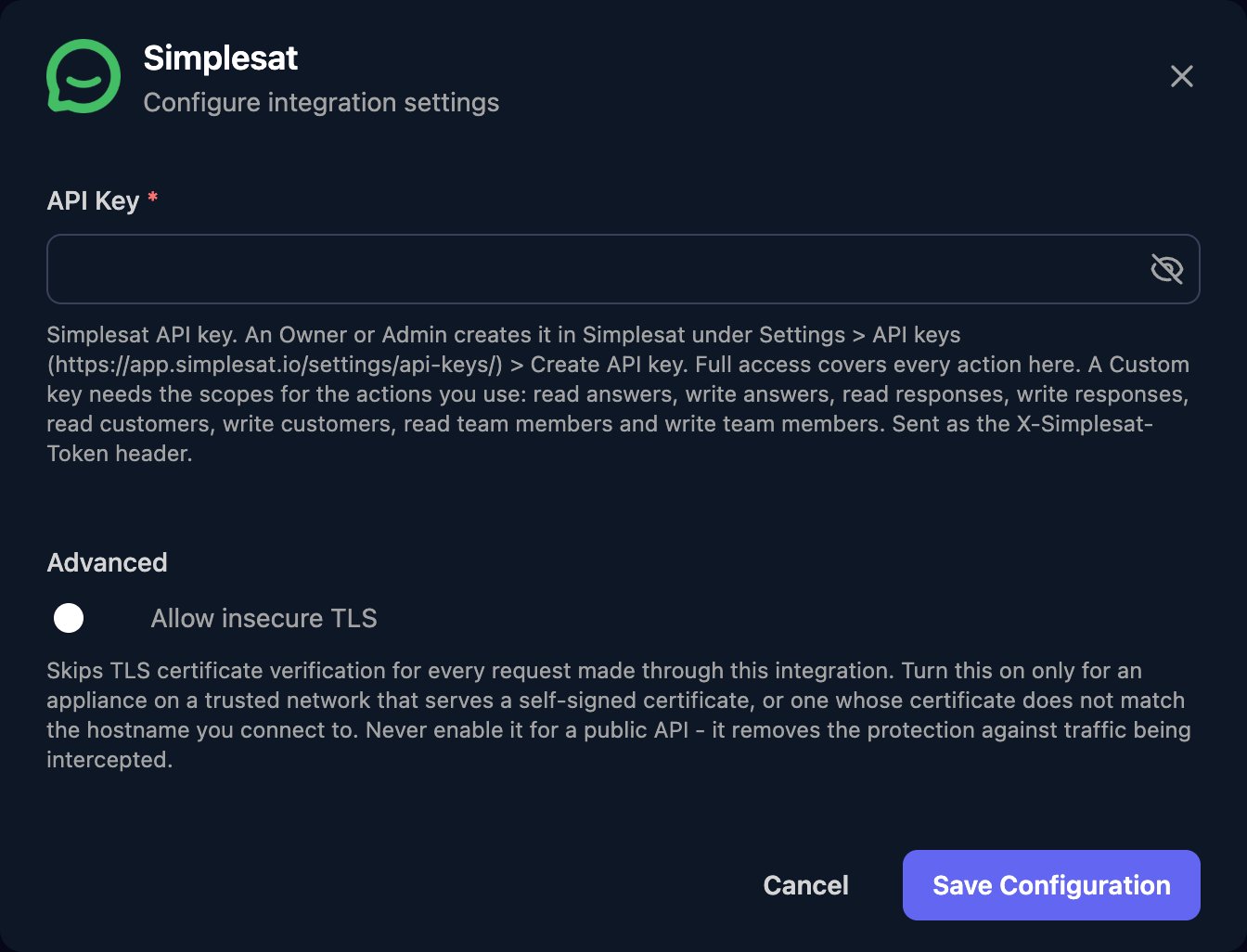
email, and sending tags or custom_attributes replaces the existing values.
Troubleshooting
Every action fails with 403 Invalid Token.
Every action fails with 403 Invalid Token.
Check the secret was pasted in full and the key still exists in Settings > API keys. Otherwise create a new key.
Some actions work and others are refused
Some actions work and others are refused
The Custom key is missing a scope. Add it in Settings > API keys; the secret stays the same.
429 Too Many Requests
429 Too Many Requests
Simplesat limits requests per account each minute. Space out large runs and retry after the
Retry-After seconds.