

Set up Acronis
1
Sign in to your partner tenant
Sign in to its management portal as an administrator with the roles Triggr needs: the API client inherits them, they can’t be changed later, and a Read-only administrator can’t create, update or delete anything.
2
Create the API client
Go to Settings > API clients > Create API client, name it
Triggr and click Next.3
Copy the credentials
Copy the client ID, the secret and the data center URL, such as
https://eu2-cloud.acronis.com, then click Done. Acronis shows the secret only once.Connect it in Triggr
1
Open the integration
Go to Integrations > Acronis Cyber Protect Cloud and click Configure on the Base Configuration card.
2
Enter the credentials
Enter the API Client ID and API Client Secret, and the Data-center URL as 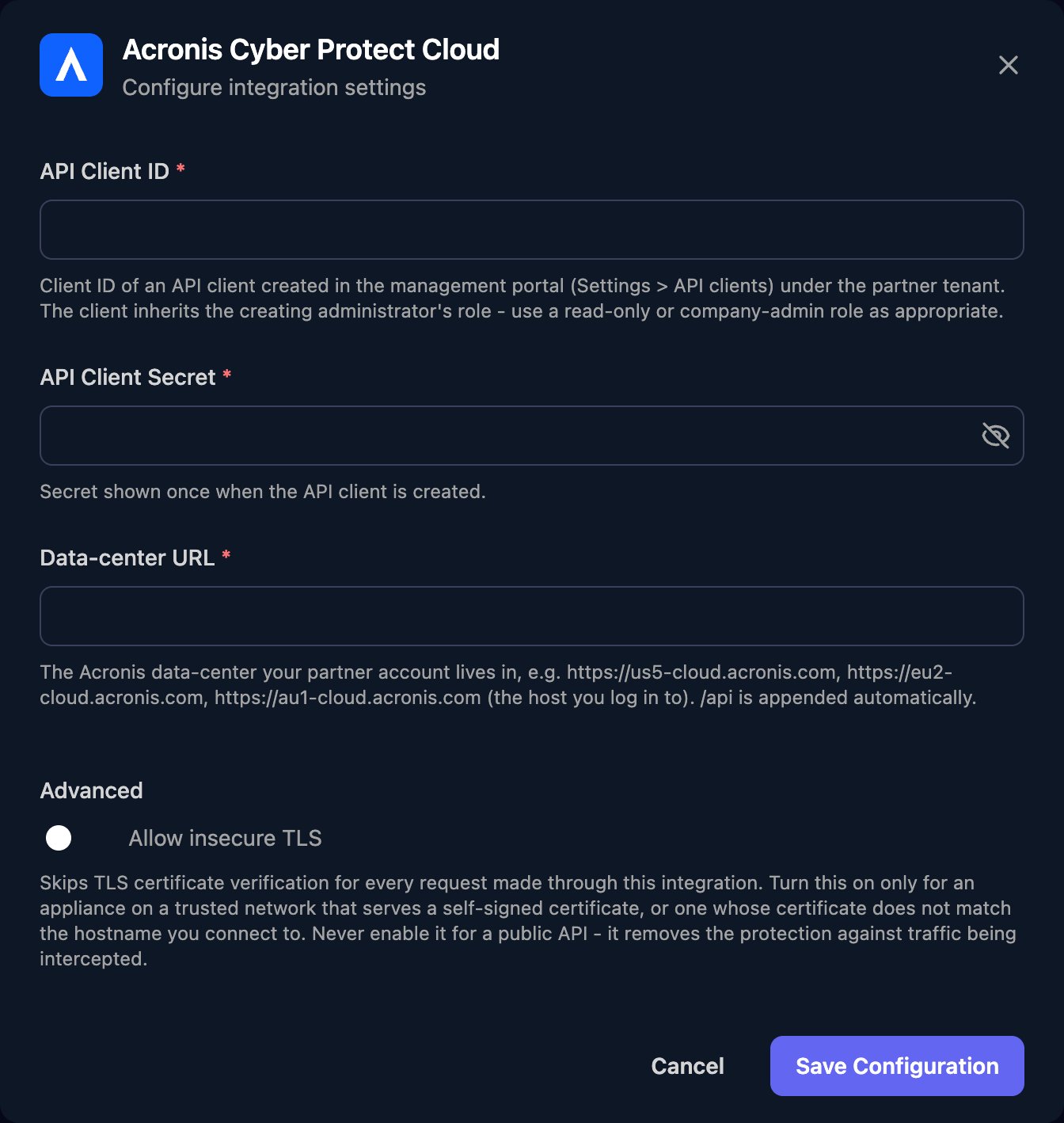
https:// plus the host name only, then click Save Configuration.tenant_id, and List Child Tenants lists the tenants below it.
Troubleshooting
Every action fails with an authentication error
Every action fails with an authentication error
Check the ID and secret were pasted in full, and that the API client is still active under Settings > API clients. If the secret was reset, paste the new one.
Every action fails with a not-found or connection error
Every action fails with a not-found or connection error
Data-center URL must be only the data center address, such as
https://eu2-cloud.acronis.com, with nothing after the host name.Some actions fail with a permission error (403)
Some actions fail with a permission error (403)
The API client’s roles don’t allow the action and can’t be changed. Create a new API client as an administrator with the roles you need, and replace the ID and secret in Triggr.
Customer tenants are missing, or the secret was lost
Customer tenants are missing, or the secret was lost
The API client sees only its own tenant and those below it, so create it from your partner tenant. If you lost the secret, reset it under Settings > API clients or create a new client, then click Edit on the Base Configuration card and paste it in.