

Set up Mesh
Every key belongs to a team member. Use an existing one, or create one for automation.1
Create an API key
In the Partner Hub you sign in to, go to Settings > API Keys and click New. Enter
Triggr as the Name, select the team member in User, choose an Expiry Date and the User Permissions below, then click Submit.2
Copy the key
In Show API Key Details, click the copy icon next to Key, then Close. Mesh shows the key only once.
Connect it in Triggr
1
Open the integration
Go to Integrations > Mesh and click Configure on the Base Configuration card.
2
Enter the host and key
Partner Hub Host starts as the EU host; change it to 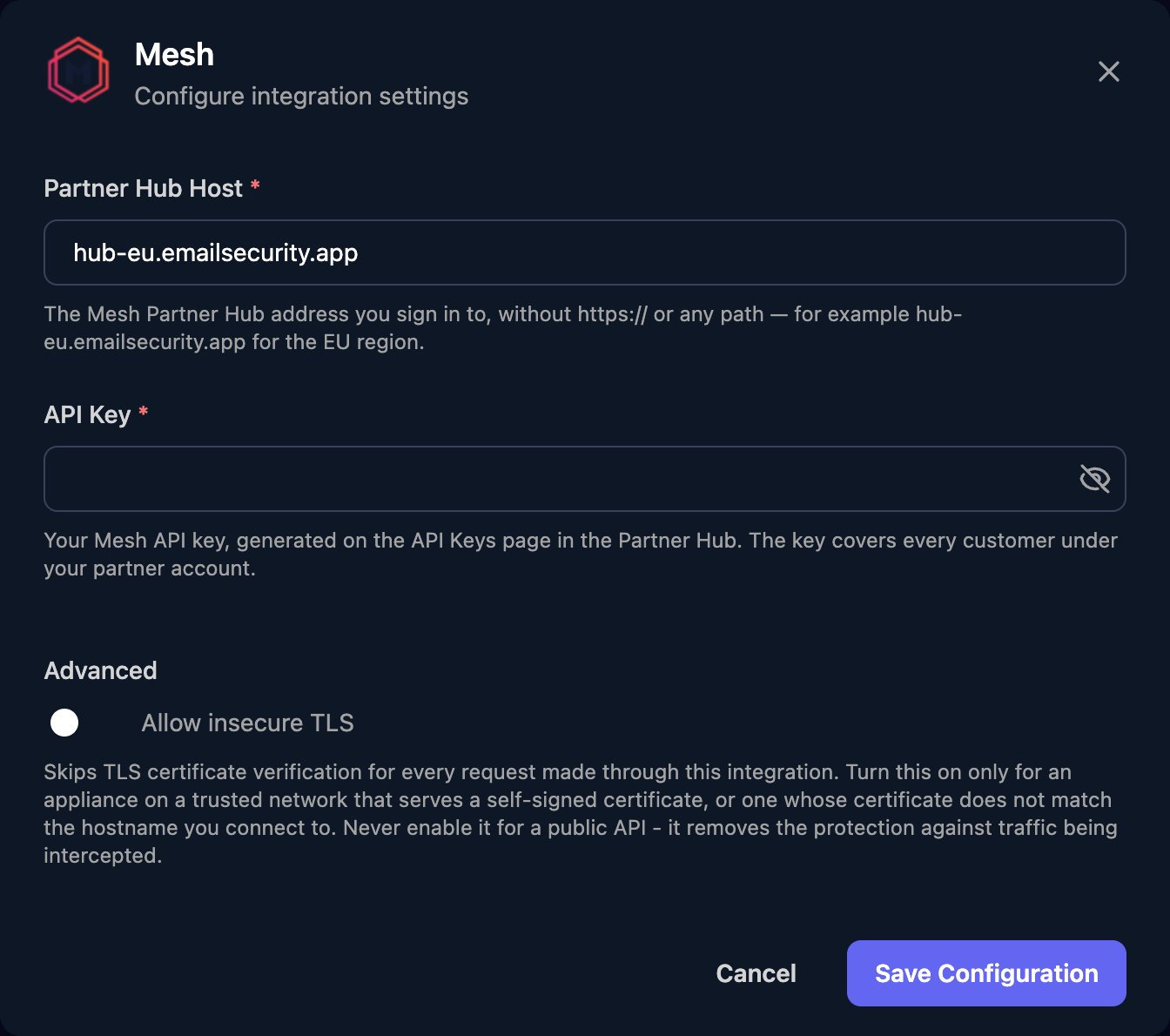
hub-us.emailsecurity.app or the host you sign in to, without https:// or a path. Paste the API Key and click Save Configuration.Troubleshooting
Every action fails with 401
Every action fails with 401
Check the key is active and not past its Expiry Date, Partner Hub Host is where you created it, and the key was pasted in full.
Every action fails with a connection error or 404
Every action fails with a connection error or 404
Partner Hub Host must be the host name only, with no
https://, trailing / or /api.Some actions fail with 403
Some actions fail with 403
Click the pencil icon next to the key on API Keys and add the permission for that area.
A customer is missing from logs or rules, or its users can't be listed
A customer is missing from logs or rules, or its users can't be listed
The customer turned off MSP Management. An administrator on the customer’s domain must turn it back on under Settings. See Mesh’s Restricting Partner Access.
Older email logs or audit entries are missing
Older email logs or audit entries are missing
Mesh keeps Live Email Tracker data and audit log entries for 90 days.