

Set up OpenAI
1
Create a secret key
On OpenAI’s API keys page, click Create new secret key. Name it
Triggr, choose a project, and set Permissions to All or Restricted with chat completions (/v1/chat/completions). A service account keeps it independent of a person.2
Copy the key
Create the key and copy it; OpenAI shows it only once. If you set an expiry date, note it so you can rotate the key.
Connect it in Triggr
1
Open the integration
Go to Integrations > OpenAI and click Configure on the Base Configuration card.
2
Enter the key
Paste the key into apiKey and click Save Configuration.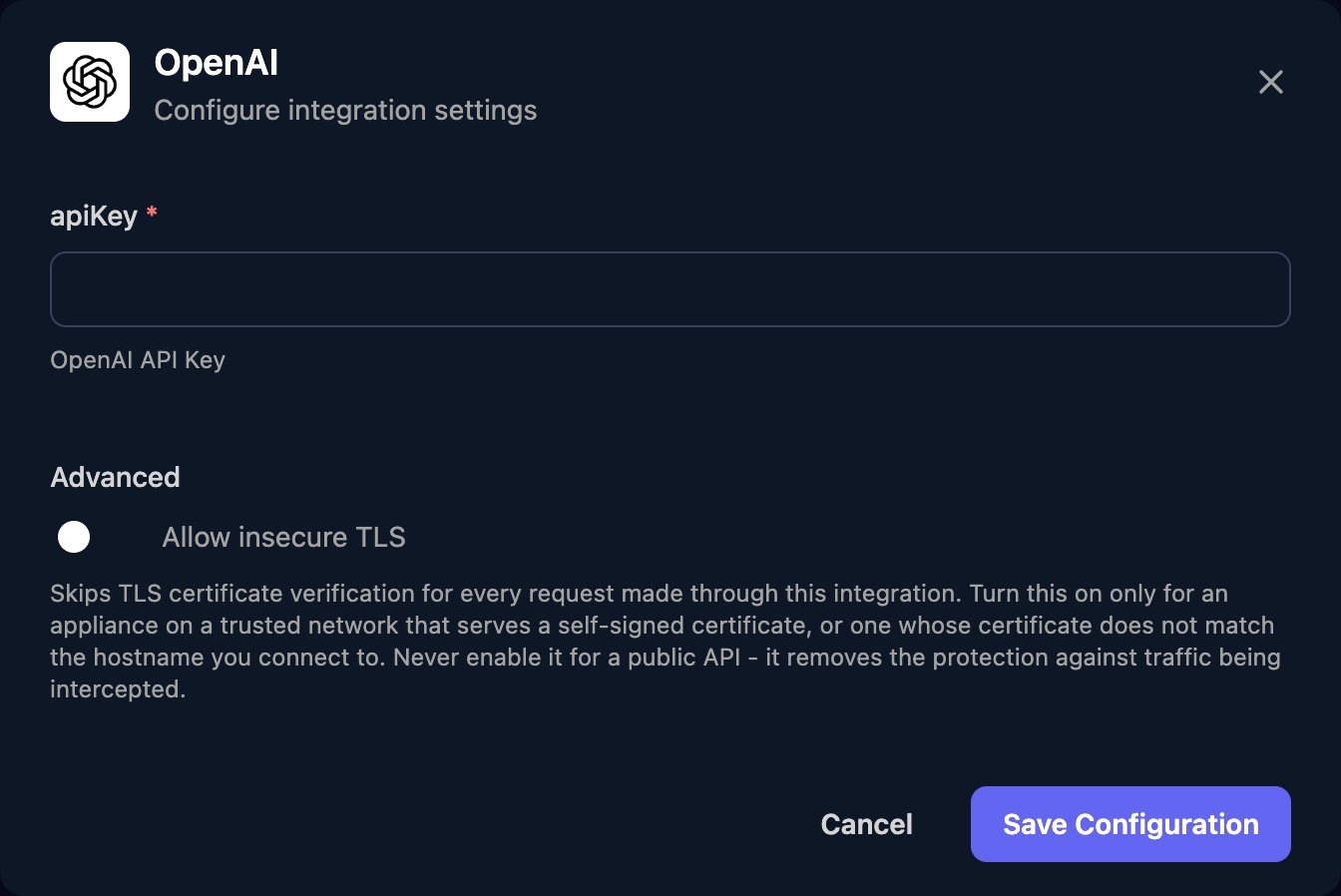
Send a prompt from a workflow
OpenAI Raw Request sends the JSON injsonBody to https://api.openai.com/v1/chat/completions, in the format of OpenAI’s Create chat completion reference:
developer message (system on older models) and input in the user message. Model IDs are on OpenAI’s models page. The reply is in choices[0].message.content.
For a reply in a fixed JSON shape, add response_format with a JSON schema (Structured Outputs). Leave stream unset, and cap reply length with max_completion_tokens, not the deprecated max_tokens.
Rotate the key
Create a new key, paste it into apiKey with Edit on the Base Configuration card and save, then revoke the old key in OpenAI.Troubleshooting
401 errors
401 errors
Incorrect API key provided or Invalid Authentication: paste a current key in full. IP not authorized: add Triggr’s IP addresses to your OpenAI organisation’s or project’s allowlist.429 errors
429 errors
credit_balance_exhausted: add credits. organization_spend_limit_exceeded or project_spend_limit_exceeded: raise that limit. organization_usage_limit_exceeded: ask OpenAI for more. Rate limits or slow_down: run fewer requests at once.400 or 404 errors
400 or 404 errors
Check the body is valid JSON (escape quotes and line breaks in text from earlier steps), the model accepts each parameter, and the model ID is right and available to your project.