

{"active": false}.
Set up Phishr
One token from your reseller account covers every client. Its creator must have two-factor authentication turned off, so use a separate admin user for Triggr.1
Create an API token
Sign in as an admin of your reseller account (not a tenant) and go to Developers > API Tokens. Click + New API Token, name it
Triggr and click Create API Token.2
Copy the token
Copy the whole token, including the number and
| at the start. Phishr shows it only once.Connect it in Triggr
1
Open the configuration
Go to Integrations > Phishr and click Configure on the Base Configuration card.
2
Enter the token
Paste the token into apiToken and click Save Configuration.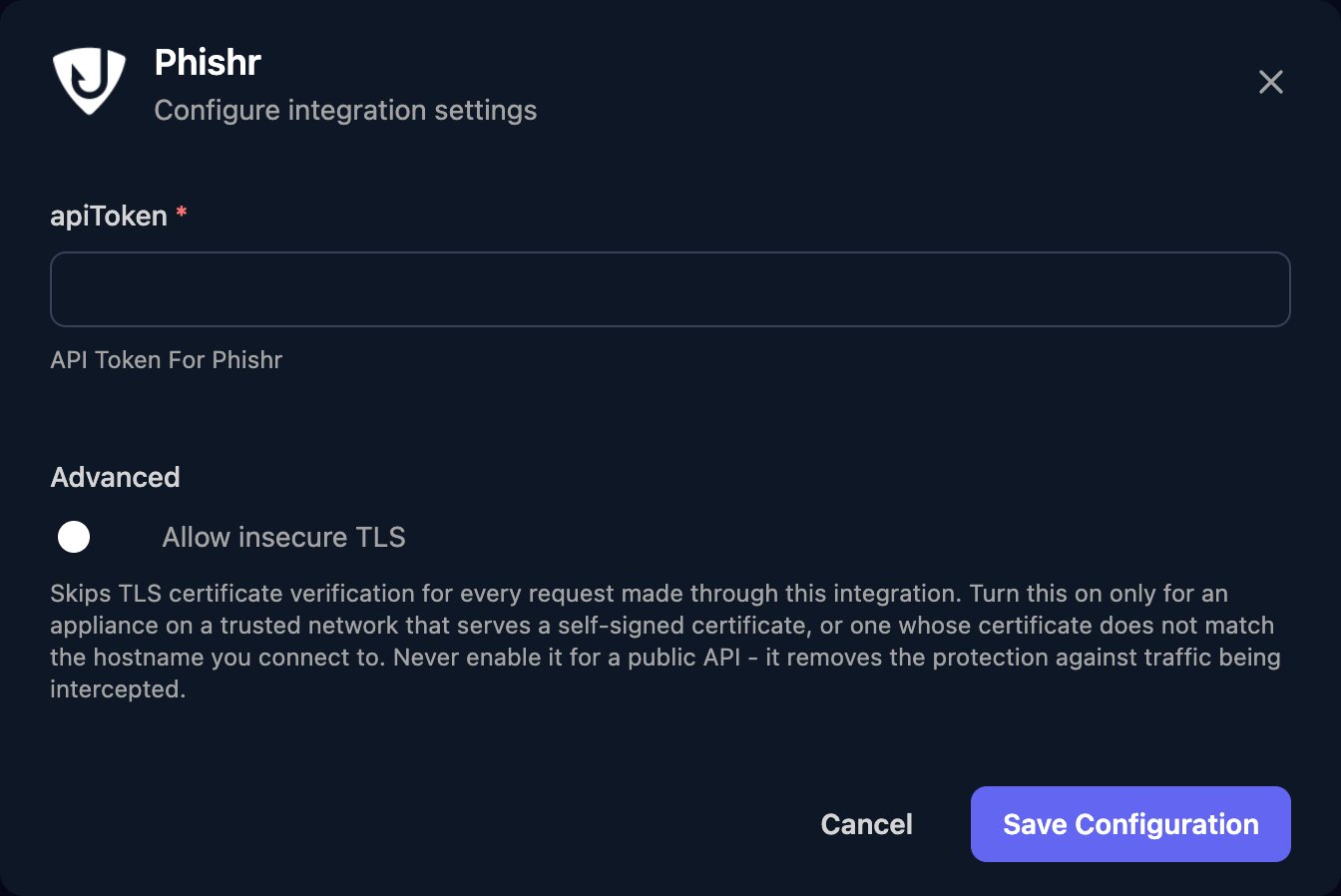
Set up each client
User actions run in the client’s tenant, and per-client integrations never fall back to the Base Configuration, so each client needs its tenant ID. Tenant and cohort actions work at reseller level.1
Find the tenant ID
In Phishr, go to Tenants > All Tenants, right-click Manage on the client’s row and copy the link. The tenant ID is the UUID after
orgId=. Get Tenants also lists every tenant’s id.2
Save it in Triggr
Click Configure on the client’s row in the Per-Client Configuration card, enter the ID in tenantId and click Save Configuration. Triggr saves it as the client’s 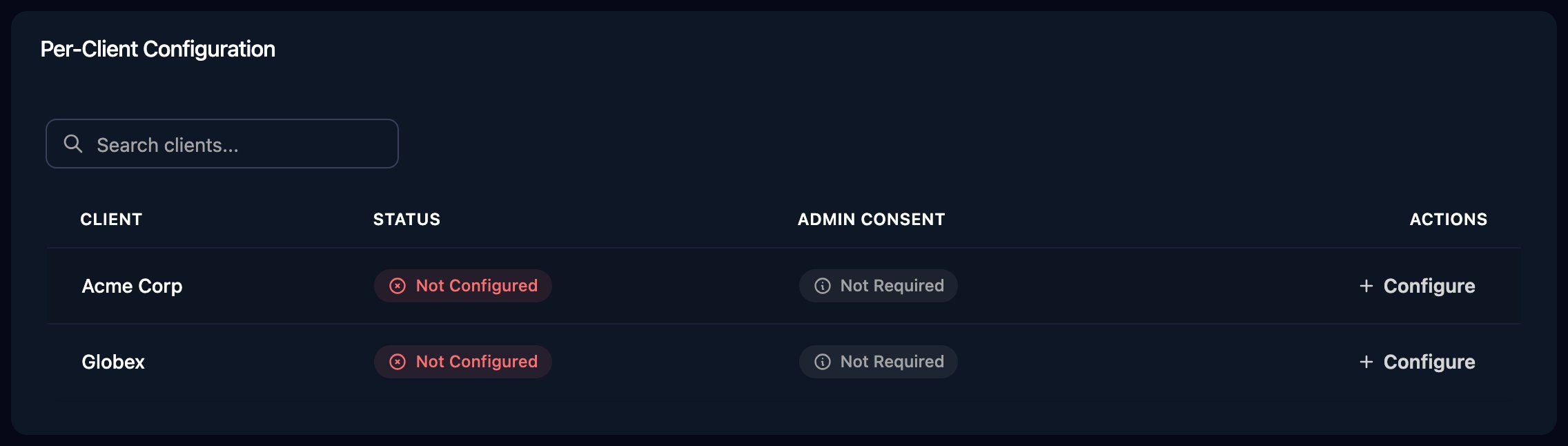
phishrId variable.phishrId variable, click Automap at the top of the page to configure them all at once.
Troubleshooting
no Phishr integration is configured for this client
no Phishr integration is configured for this client
Add the client’s tenant ID, as in Set up each client.
Error 401: OTP code required
Error 401: OTP code required
The token’s user has two-factor authentication on. Create a new token as a reseller admin without it, and paste it in with Edit on the Base Configuration card.
Other 401 errors
Other 401 errors
Check the token is pasted in full, including the number and
|, and is still listed under Developers > API Tokens.User actions fail for one client
User actions fail for one client
Check the client’s tenantId matches a tenant in your reseller account, and the token was created by a reseller admin.