

Set up Zorus
You need a Zorus Portal user with the System Administrator permission.1
Choose the user to impersonate
Under Users > User Management, pick a user whose permissions cover the customers and endpoints your workflows use. Zorus’s Portal Permissions Matrix lists what each permission covers.
2
Generate an API token
In the Zorus Portal, go to Integrations > API Access and click Generate API Token. Select the user, name the token
Triggr, generate it and copy it. Zorus won’t show it again. See Zorus’s API QuickStart.Connect it in Triggr
1
Open the configuration
Go to Integrations > Zorus and click Configure on the Base Configuration card.
2
Enter the token
Paste the token alone into apiKey, without 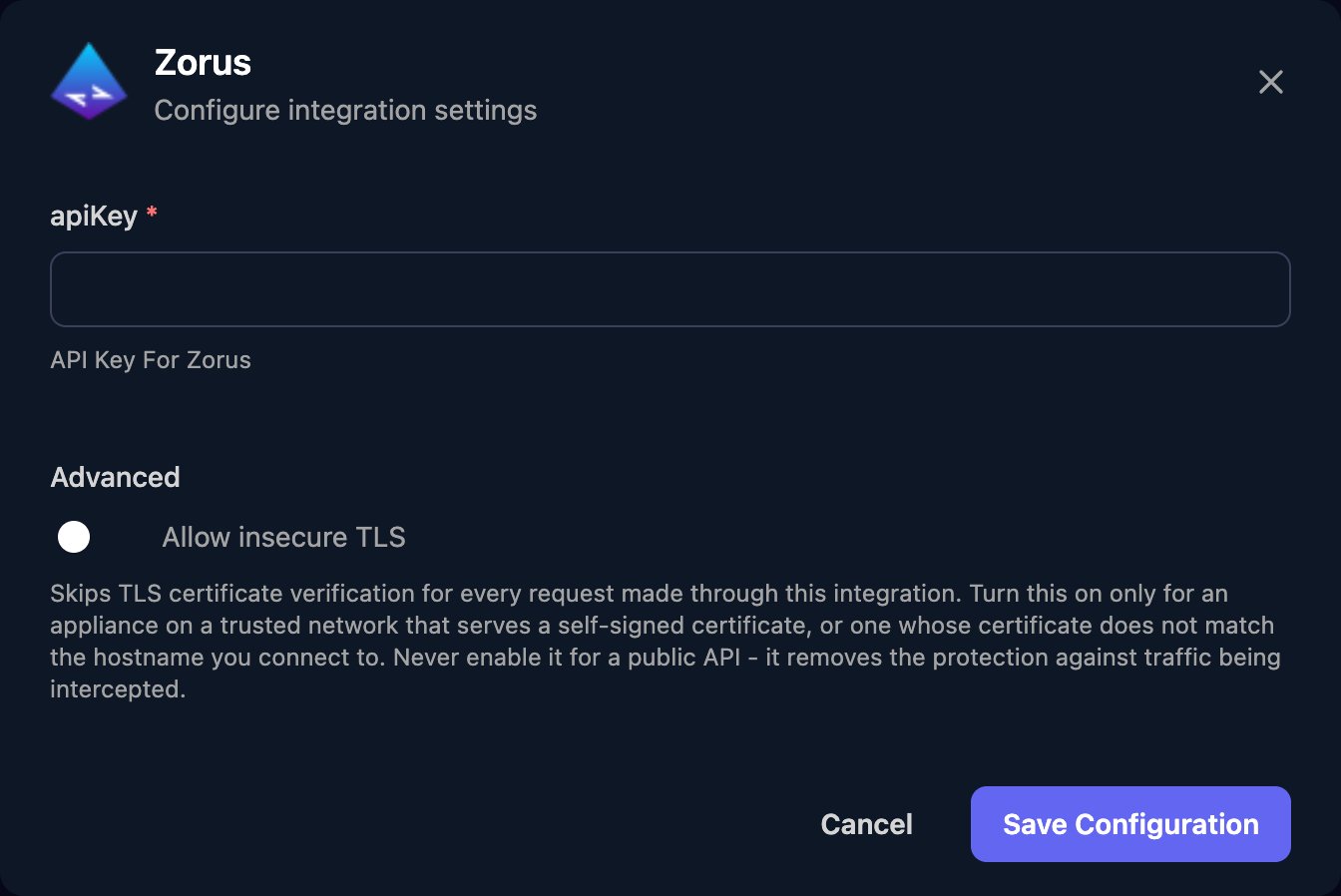
Impersonation in front, and click Save Configuration.{"nameContains": "Contoso"}.
Troubleshooting
Customers or endpoints are missing, or changes fail
Customers or endpoints are missing, or changes fail
Check the impersonated user’s permissions and assigned customers, or generate a token for a different user.
Bulk workflows start failing
Bulk workflows start failing
Zorus allows 100 API requests a minute per account, shared by everything using it. Spread large workflows out or run them in smaller batches.