

Set up Datto BCDR
1
Create an API key
Go to Admin > Integrations > API Keys and click Create API Key. Name it
Triggr, leave the vendor and client fields empty, and click Create. Datto allows two keys; you can reuse one with no vendor or client set.2
Copy the keys
In API Key Management, open the key’s three-dot menu, select View keys and copy the public and secret keys.
Connect it in Triggr
1
Open the integration
Go to Integrations > Datto BCDR and click Configure on the Base Configuration card.
2
Enter the keys
Enter the Public API Key and Secret API Key, then click Save Configuration.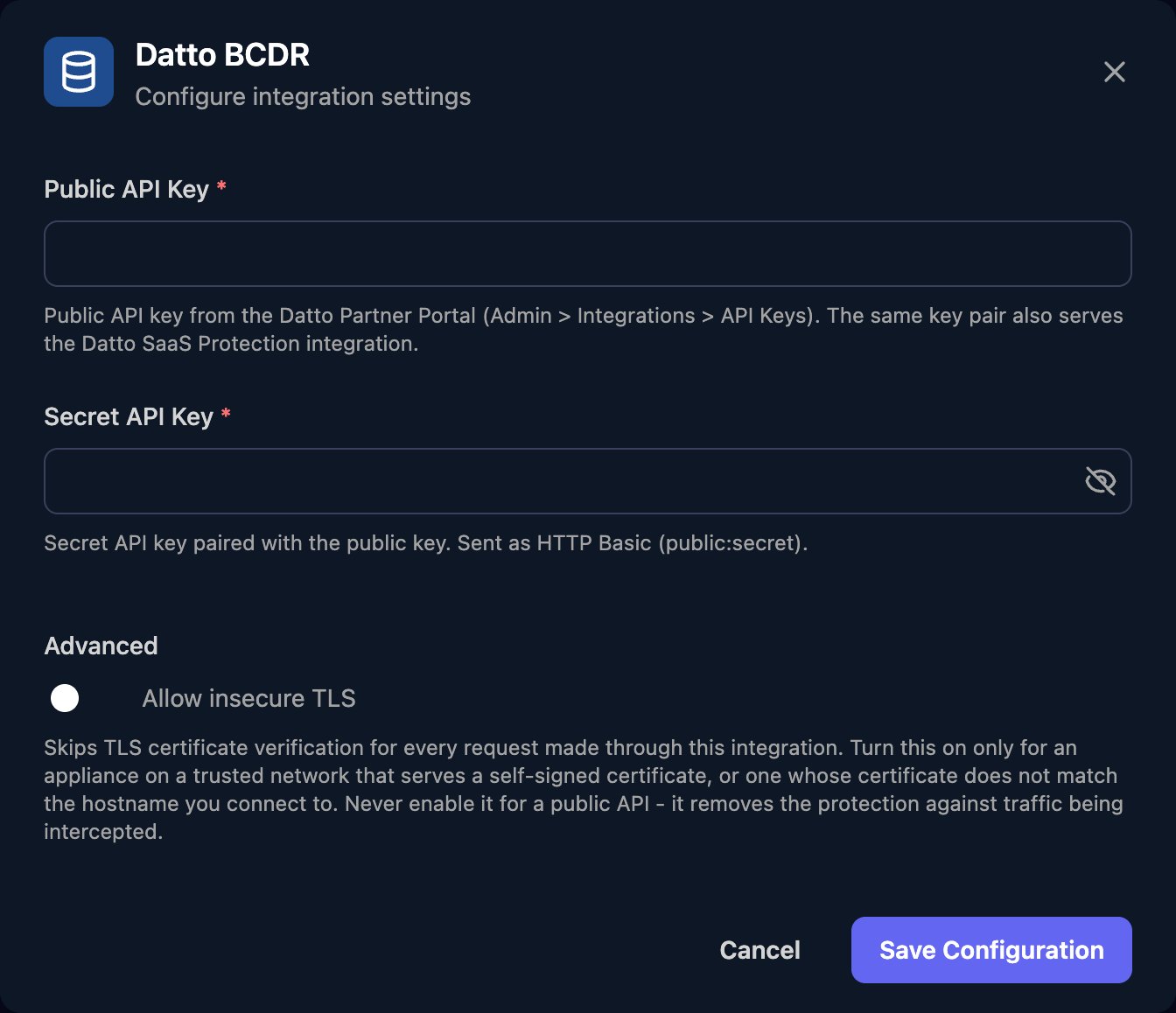
Map your clients
On the Client Mapping card, click Apply 100% Matches, then choose the Datto organisation in Mapped to for anyone left. Only organisations with at least one BCDR device are listed.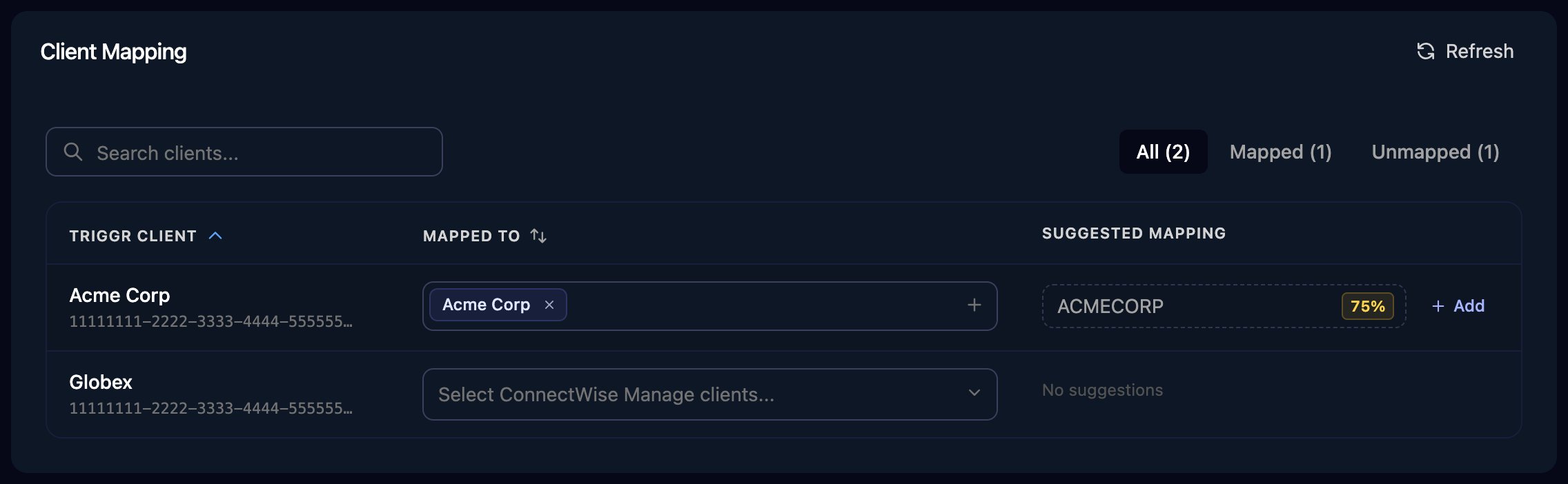
The Client Mapping card, shown here for ConnectWise Manage as an example.
dattoBcdrOrganizationId variable, plus dattoBcdrOrganizationIdList if a client maps to several. To get a client’s devices, filter List Devices to those whose organizationId matches {{ ctx.client.dattoBcdrOrganizationId }}.
Troubleshooting
Every action fails with an authentication error
Every action fails with an authentication error
Check the keys aren’t swapped and were pasted in full, and the key hasn’t been deactivated or regenerated. A key with a vendor set won’t work; create one with the vendor field empty.
Devices or organisations are missing
Devices or organisations are missing
A key with a client set returns only that client’s devices. An organisation appears in Mapped to only once a device is assigned to it; then click Refresh.
You can't create another API key
You can't create another API key
Reuse an existing key with no vendor or client set, or delete one you no longer use. Deleting a key stops every tool that uses it, including Datto SaaS Protection.