

Set up Huntress
You need an Admin user in the Huntress portal.1
Choose the user
The credential has exactly the permissions of its user, so choose an account-level Admin for every action. A Read-only user covers most reads (escalations need Admin or Security Engineer, invoices Admin or Finance). See Write actions and roles and Huntress’s user permissions.
2
Create a user API credential
Open the menu in the top right and select API Credentials. Under User API Credentials, click Add, select the user, enter a Key Name such as
Triggr and click Add.3
Copy the key and secret
Copy the API Key and Secret, then click Ok. Huntress shows the secret only once.
Connect it in Triggr
1
Open the integration
Go to Integrations > Huntress and click Configure on the Base Configuration card.
2
Enter the key and secret
Enter the API Key as Public Key and the Secret as Private Key, then click Save Configuration.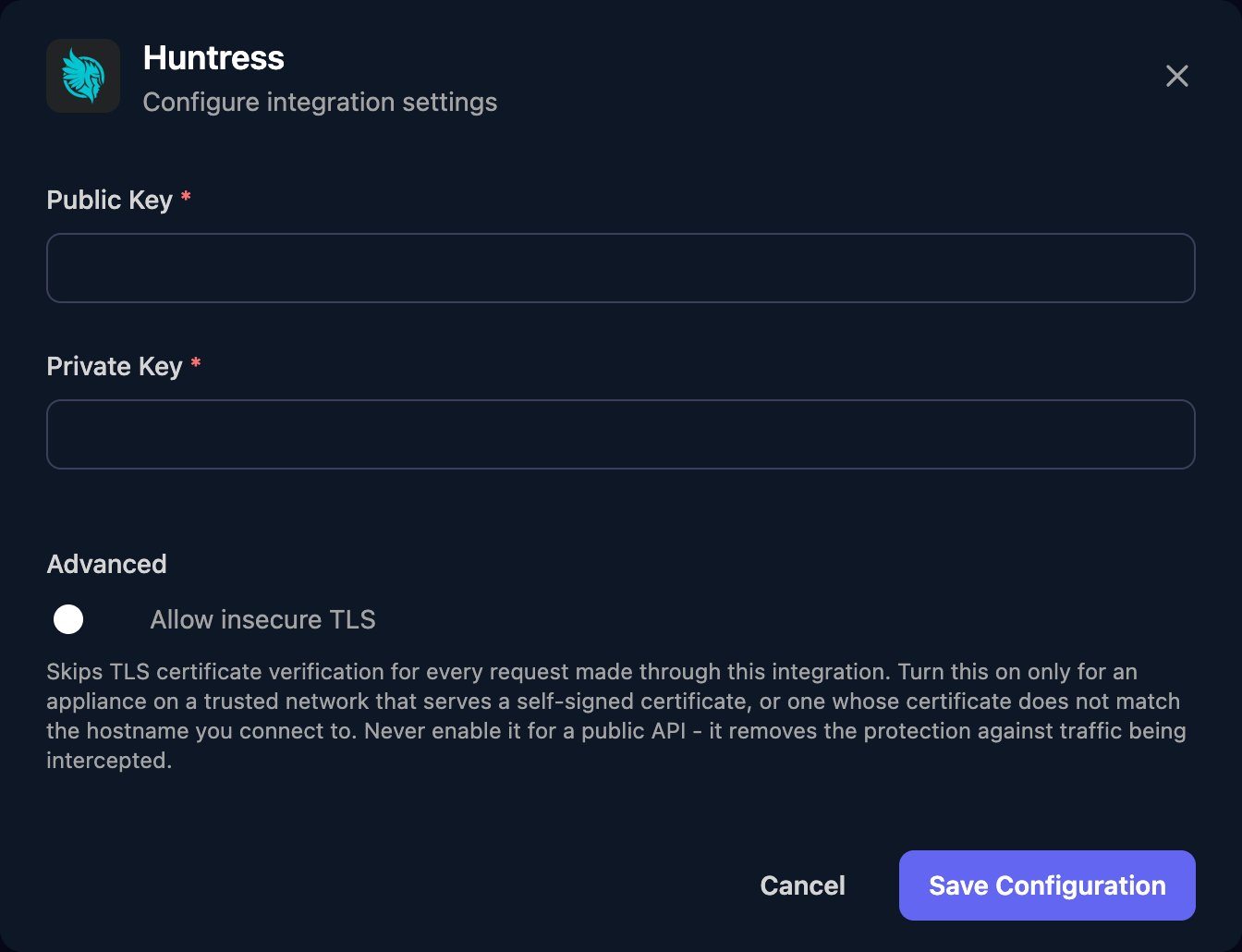
Write actions and roles
Reseller actions (Accounts, Reseller Invoices, Reseller Subscriptions and actions that take an account ID) need reseller-level credentials. Delete an Organization and Permanently Disable an Account can’t be undone. For endpoints without a built-in action, use a Generic Integration Action step; see the Huntress API reference.
Troubleshooting
Every action fails with 401
Every action fails with 401
Check Public Key holds the API Key and Private Key the Secret, in full and not swapped. If you’ve lost the secret, create a new credential.
publicKey not found in Huntress configuration
publicKey not found in Huntress configuration
A field is empty (or only spaces). Click Edit on the Base Configuration card and fill in both keys.
An action fails with 403
An action fails with 403
The credential’s user lacks the role the action needs. See Write actions and roles.
Records are missing or return 404
Records are missing or return 404
Organisation-level users only see their own organisations, User and Read-only can’t see escalations, and per-account actions need reseller-level credentials.
Requests fail with 429
Requests fail with 429
Huntress allows 60 requests a minute per account. Spread large workflows out or run them in smaller batches.
List actions fail with 504
List actions fail with 504
Huntress timed out building a large list. Narrow the action with its filters, such as an organisation ID or date range, or lower its limit.