

Set up Gandi
1
Create a token
In Gandi, click Organizations, open the organisation that holds your domains, go to the Sharing tab and click Create a token.
2
Set its expiry and permissions
Choose Expires in, and under Token resources choose The whole organization or Restrict to selected products. Turn on See and renew domain names.
3
Copy the token
Click Create, then Copy. Gandi shows the token only once, and an expired token can’t be reused, so note its expiry date.
Connect it in Triggr
1
Open the integration
Go to Integrations > Gandi and click Configure on the Base Configuration card.
2
Paste the token
Paste the personal access token into apiKey, then click Save Configuration.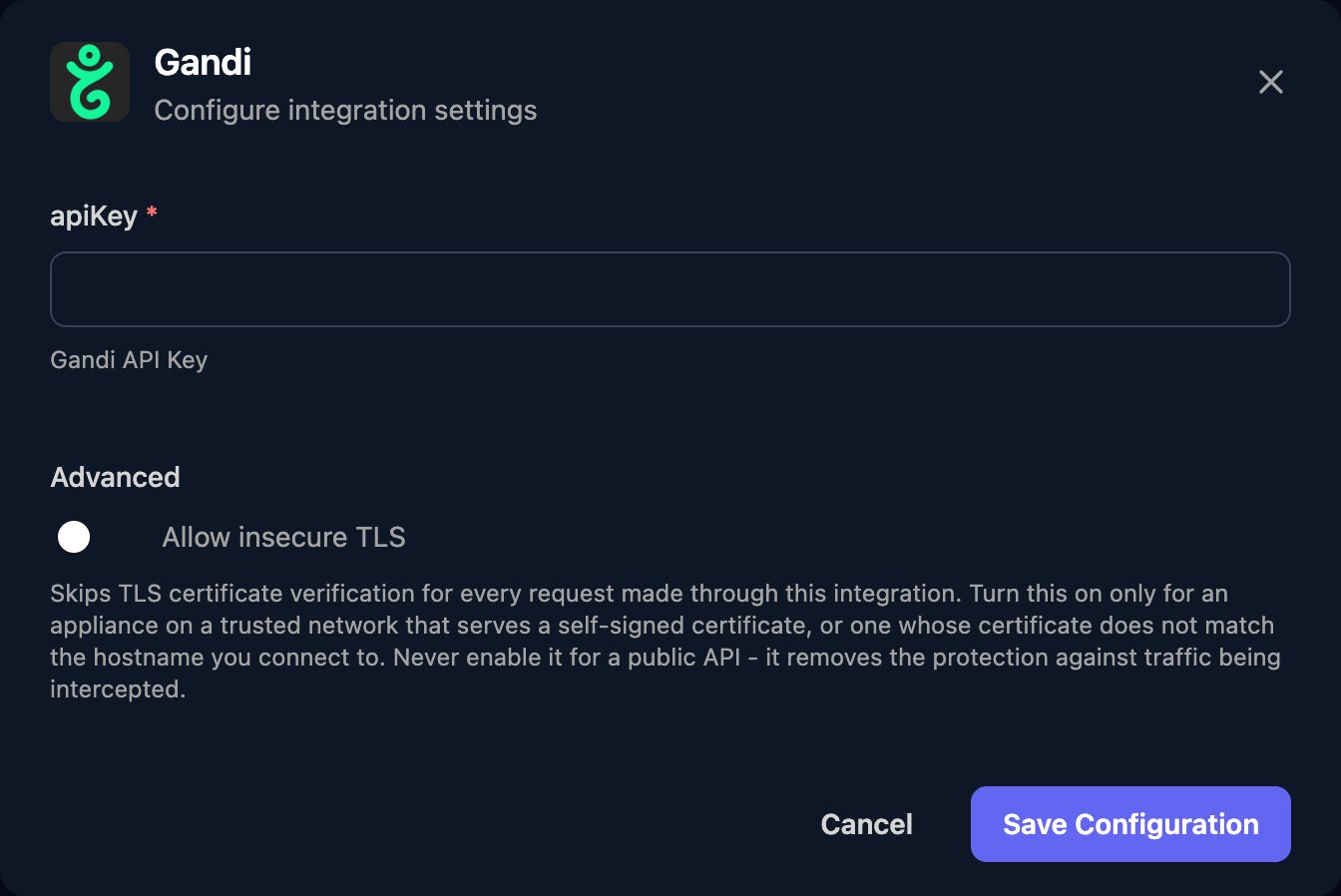
prohibited and the accepted durations, then Renew Domain with durationInYears from that range. Gandi charges renewals to your prepaid account.
Troubleshooting
Every action fails with 401 or 403
Every action fails with 401 or 403
Check the token is complete, hasn’t expired, has See and renew domain names, and is a personal access token, not one of Gandi’s older API keys.
A domain is missing or returns 403
A domain is missing or returns 403
The token covers only its own organisation and, if restricted, its selected products. Create a token that includes the domain.
A renewal doesn't go through
A renewal doesn't go through
Check your prepaid account has enough credit, and that Get Renewal Information allows the duration.
Rotate the token
Rotate the token
Create a new token, click Edit on the Base Configuration card to paste it, then delete the old one on the Sharing tab.