

Connect it in Triggr
You need a Slack account that can install apps in your workspace; if your workspace requires app approval, a Workspace Owner or app manager may need to approve it.1
Open the configuration
Go to Integrations > Slack Notifications and click Configure on the Base Configuration card.
2
Save the app details
AppID, ClientID and ClientSecret are already filled in with Triggr’s Slack app. Leave them, or enter your own app’s, and click Save Configuration.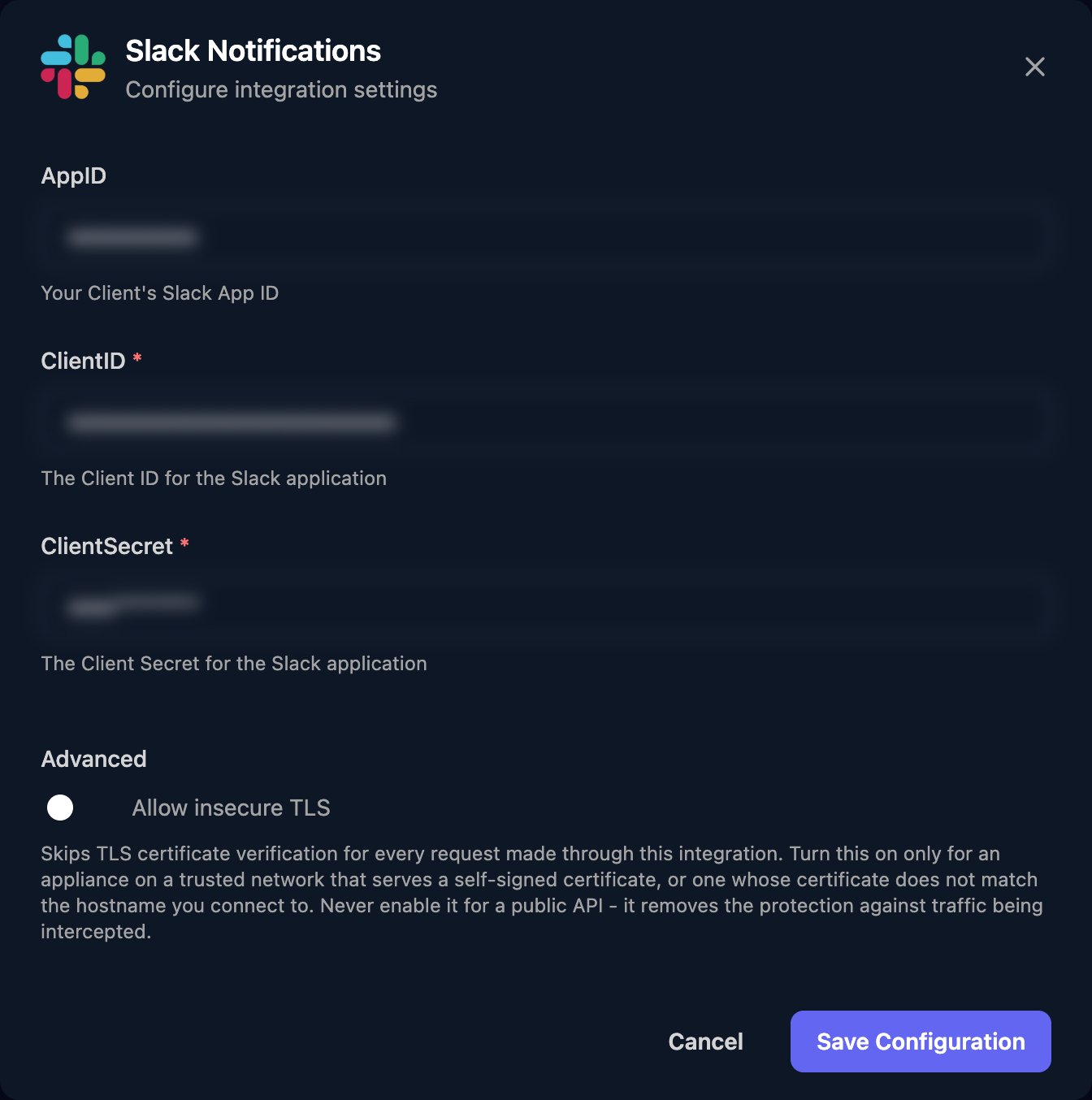
3
Authorize
Click Authorize. In Slack, check the workspace in the top right, then click Allow.
4
Add the app to your channels
The app can only post in channels it’s a member of. Mention it in each channel and accept Slack’s offer to add it, or add it from the channel’s settings.
chat:write and channels:read bot scopes. Click Authorize again if you switch apps or the app is removed from your workspace.
Use your own Slack app
Use your own app to post with your own name and icon.1
Create the app
At api.slack.com/apps, click Create New App > From scratch, name it and pick the workspace it will post to.
2
Add the redirect URL and scopes
On OAuth & Permissions, add
https://app.triggr-app.com/oauth/callback under Redirect URLs, and chat:write and channels:read under Bot Token Scopes.3
Enter it in Triggr
From Basic Information > App Credentials, copy the App ID, Client ID and Client Secret into AppID, ClientID and ClientSecret. Save, click Authorize and add the app to your channels.
Send messages
Send Message takes a JSON body in Slack’s chat.postMessage format:channel is the channel’s ID, such as C0123456789 (List Conversations returns them), and text is the message. Slack reports failures with ok set to false and a code in error.
Troubleshooting
Slack doesn't show the consent screen
Slack doesn't show the consent screen
With your own app, add the redirect URL on OAuth & Permissions. If Slack asks you to request the app, ask a Workspace Owner or app manager to approve it. Then click Authorize again.
not_in_channel or channel_not_found
not_in_channel or channel_not_found
Add the app to the channel, and check the
channel ID.not_authed, invalid_auth, token_revoked or account_inactive
not_authed, invalid_auth, token_revoked or account_inactive
With your own app, check ClientID and ClientSecret match its App Credentials. Then click Authorize and Allow again.
missing_scope
missing_scope
With your own app, check
chat:write and channels:read are under Bot Token Scopes, then click Authorize again.ratelimited
ratelimited
Slack allows about one message per second per channel. Spread the messages out.