

Set up Keeper MSP
1
Request API access
Ask Keeper support or your Keeper representative for access to the MSP Vendor (Account Management) API, which Keeper offers to distributors of Keeper MSP accounts.
2
Collect your credentials
Keeper shares a record with your Partner name, Partner key (
consumer.key) and Pre-shared secret (secret.key). Check which Keeper region your partner account is in.Connect it in Triggr
1
Open the integration
Go to Integrations > Keeper MSP and click Configure on the Base Configuration card.
2
Enter your partner credentials
Select your Region host (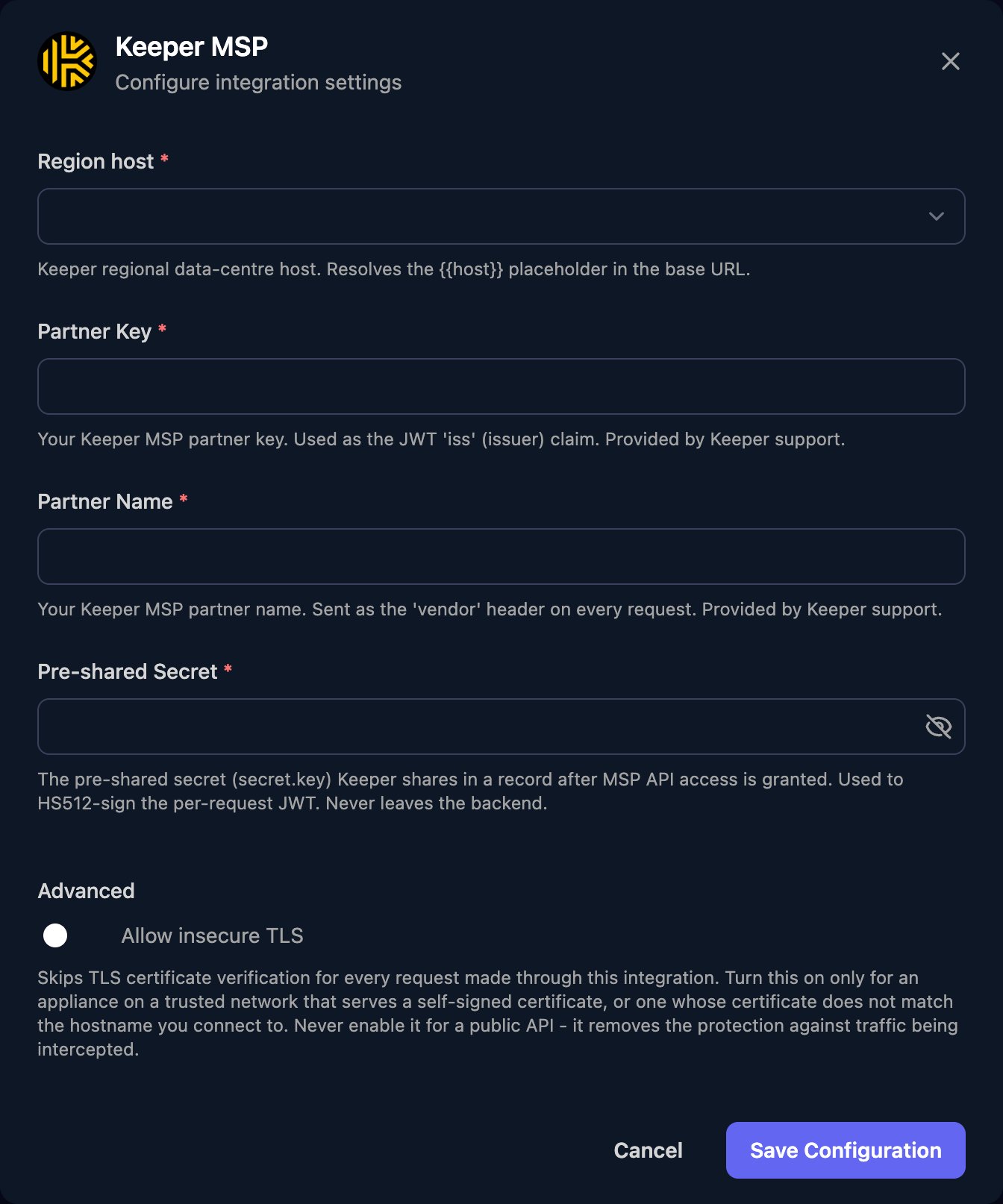
keepersecurity.com for the US, or keepersecurity.eu, keepersecurity.com.au, keepersecurity.ca, keepersecurity.jp or govcloud.keepersecurity.us), enter the Partner Key, Partner Name and Pre-shared Secret, then click Save Configuration.vendorInternalId (the ID you give it at creation) or partnerId, for example {"vendorInternalId": "acme-001"}. Keeper’s documentation has the full request schemas.
Account statuses
Troubleshooting
Every action fails with 401
Every action fails with 401
Check Partner Key, Partner Name and Pre-shared Secret match the Keeper record exactly, and Region host is your partner account’s region.
An account shows REGION_CONFLICT or PRODUCT_CONFLICT
An account shows REGION_CONFLICT or PRODUCT_CONFLICT
The customer activated an account without the invitation link. Remove Account deletes accounts that are pending or in conflict.