

id from List Hosts as its Console ID (remote).
Create a Site Manager API key
Sign in to unifi.ui.com, go to Settings → API Keys, select Create New API Key and copy the key. Ubiquiti shows it only once, and the key sees what its UI account or organisation sees. See Ubiquiti’s Site Manager getting started guide.Connect it in Triggr
1
Open the configuration
Go to Integrations > UniFi Site Manager and click Configure on the Base Configuration card.
2
Enter the key
Paste the key into API Key and click Save Configuration.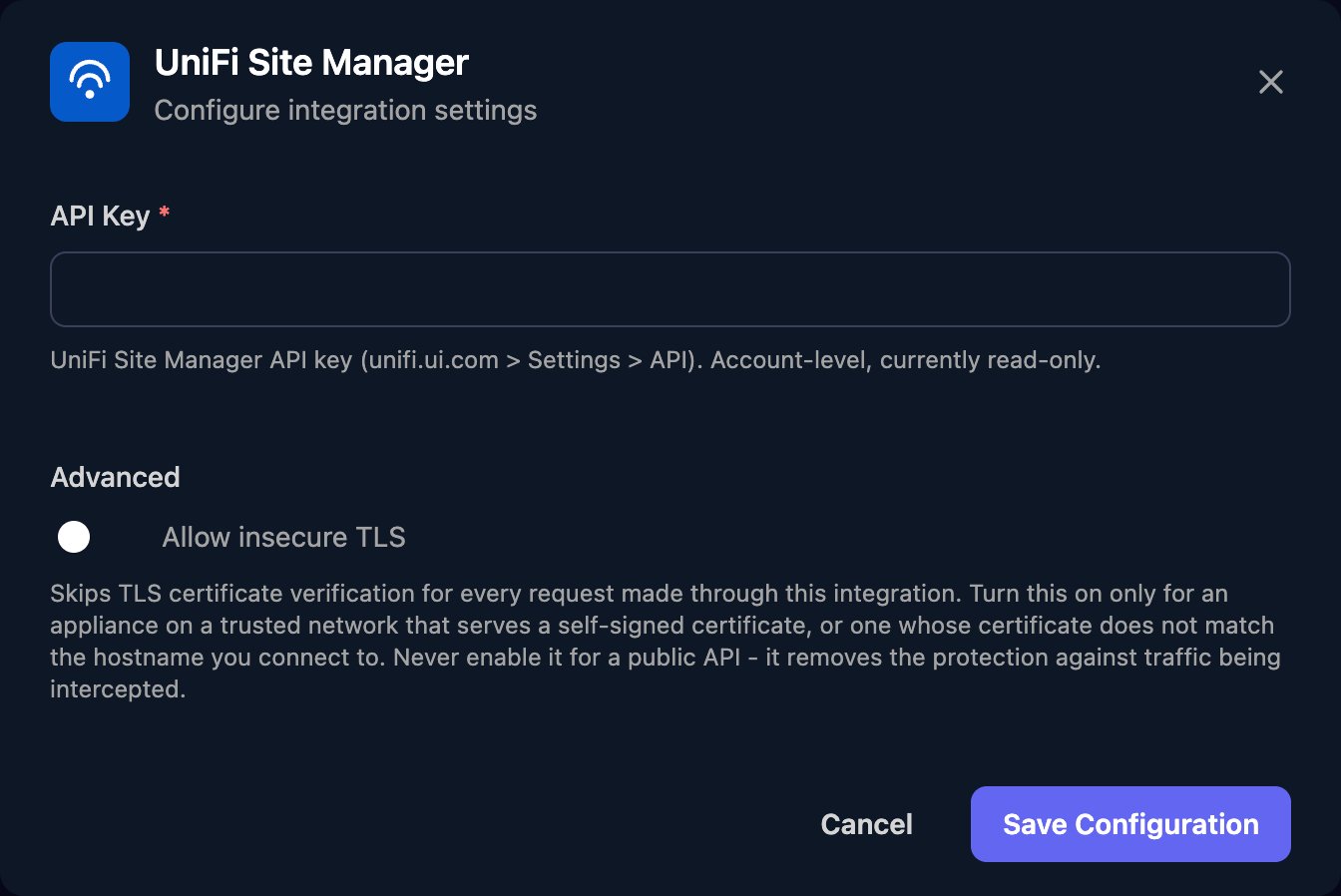
Set up each client
Per-client integrations never fall back to the Base Configuration, so click Configure on each client’s row and paste a key into API Key: one from the client’s own UI account, or from yours if their consoles sit under it (in which case it also returns your other clients’ consoles).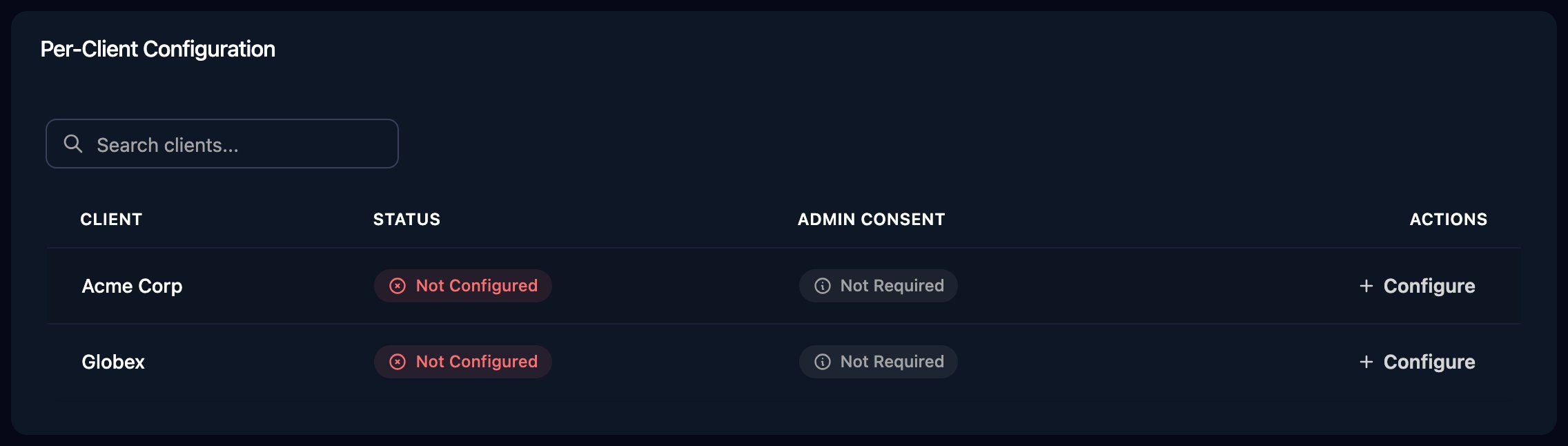
Use the actions
- Get Host takes the
idfrom List Hosts, including the colon and digits at the end. - Get ISP Metrics takes a
typeof5mor1h. Ubiquiti keeps 5-minute metrics for at least 24 hours and 1-hour metrics for at least 30 days.
Troubleshooting
401 errors
401 errors
Check the key is complete, still exists under Settings → API Keys, and comes from unifi.ui.com, not a console’s UniFi Network application.
no UniFi Site Manager integration is configured for this client
no UniFi Site Manager integration is configured for this client
Configure the client on the Per-Client Configuration card.
Hosts, sites or devices are missing
Hosts, sites or devices are missing
The key returns only consoles linked to its account. List Sites covers only hosts running the UniFi Network application, and List Devices only hosts where the account is the owner or a super admin.
Rate limits (429)
Rate limits (429)
Spread a large workflow’s requests out or run it in smaller batches.